25+ internal comms ideas for your first weeks with Oneteam

You've rolled out Oneteam, the accounts are ready and your team is good to go. And then comes the question that matters most: how do you get your people to actually use it, and enjoy using it too?
In this blog we share how to approach that, plus a generous library of ready-to-use posts you can copy as they are or use as inspiration. Helpful if you're just getting started, and just as useful if you've been on Oneteam for a while and want to bring some fresh energy to it.
Why the first few weeks matter so much
The first few weeks largely determine whether Oneteam becomes part of the daily routine. If someone opens the app a few times early on and keeps finding something useful or fun, it quickly becomes a habit. If not much is happening, attention fades just as quickly.
That's why we recommend sharing something at least two or three times a week during the first two months. Alternate practical posts (how does something work?) with lighter ones (a poll, a team photo, a compliment), so the app feels like a nice place to be rather than a noticeboard full of dusty announcements.
Been using Oneteam for a while already? Then this is just as worthwhile. Adoption isn't a one-off exercise. New colleagues join, new features appear in Oneteam, and a team that stays active simply gets the most out of it.
Three things every good post has in common
Before we get to the examples, here's why some posts spark a response and others don't:
- Keep it short and human. Write the way you talk. A post of a few sentences gets read more often than a wall of text, and it sounds a lot friendlier too.
- Show one concrete benefit at a time. Not "we now have feature X", but "this means you'll never miss a schedule change again". People join in when they see what's in it for them.
- Invite people to do something. A question, a poll, a tag or a simple prompt ("take a minute to set this up") turns readers into participants. And the more people take part, the livelier the platform becomes.
25+ internal comms ideas
Below you'll find the posts grouped by theme. In each example, you can fill in the name of your company, team or a colleague where it fits. Take what works and make it your own.
Theme 1: Discovering handy features
When you've just rolled out Oneteam, your team still needs to get to know the app. Short "did you know" posts help them find their way and show right away how much easier the app makes things.
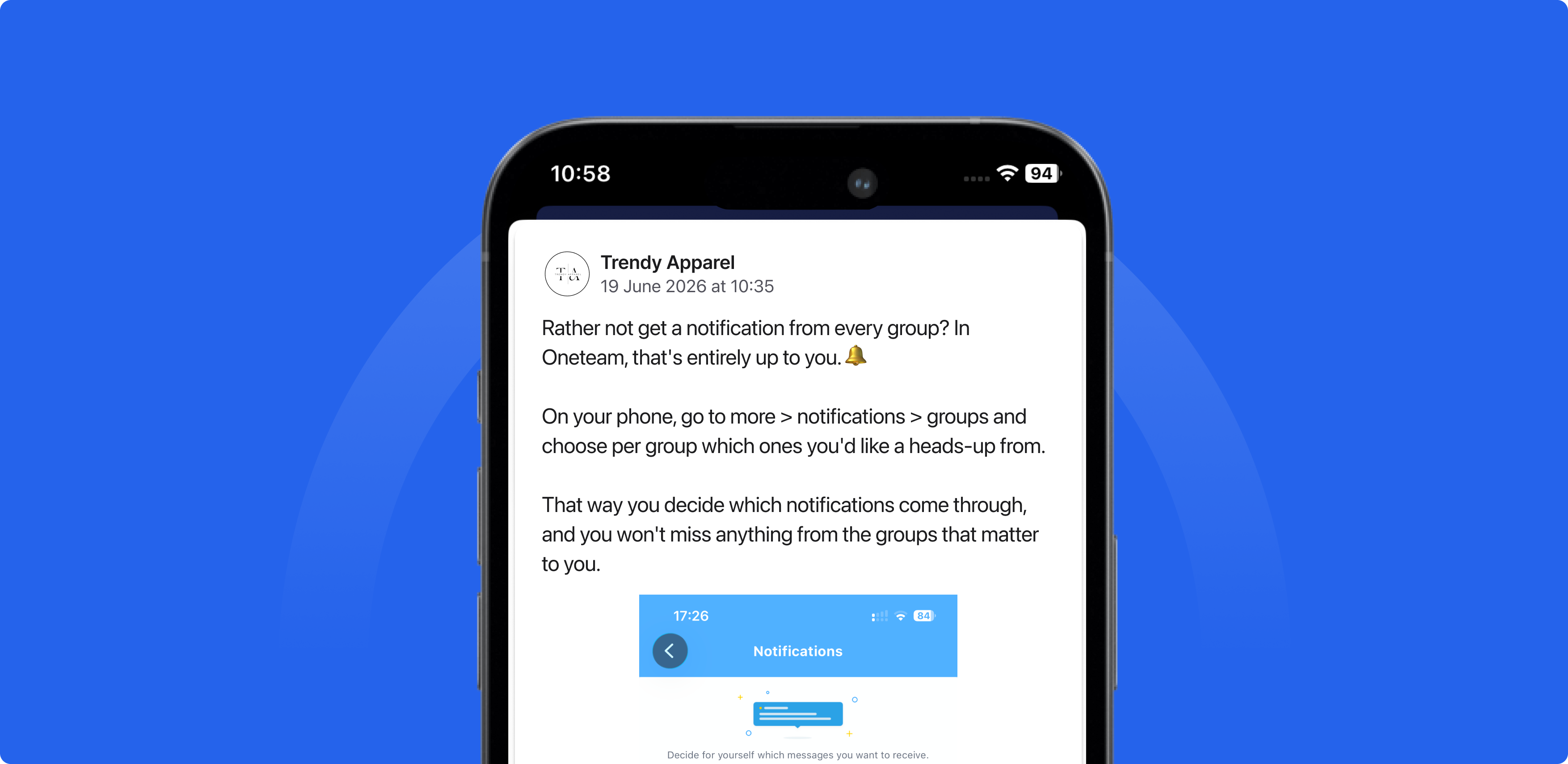
1. Setting up notifications
Rather not get a notification from every group? In Oneteam, that's entirely up to you. 🔔
On your phone, go to more > notifications > groups and choose per group which ones you'd like a heads-up from.
That way you decide which notifications come through, and you won't miss anything from the groups that matter to you.
2. Filtering your timeline
Your timeline brings together all the posts from the groups you're part of. Looking for something specific, like an update from last week? 👀
Tap the three lines in the top right corner and filter by the group or topic you're after.
That way you'll quickly find what you need, without scrolling through your whole timeline.
3. Your schedule always at hand
In Oneteam, your current schedule is always ready for you, wherever you are. 📋
Has something changed in the planning? You'll automatically see the latest version.
No more saving screenshots or checking with a colleague. You always know exactly when you're expected.
4. Important posts stay at the top
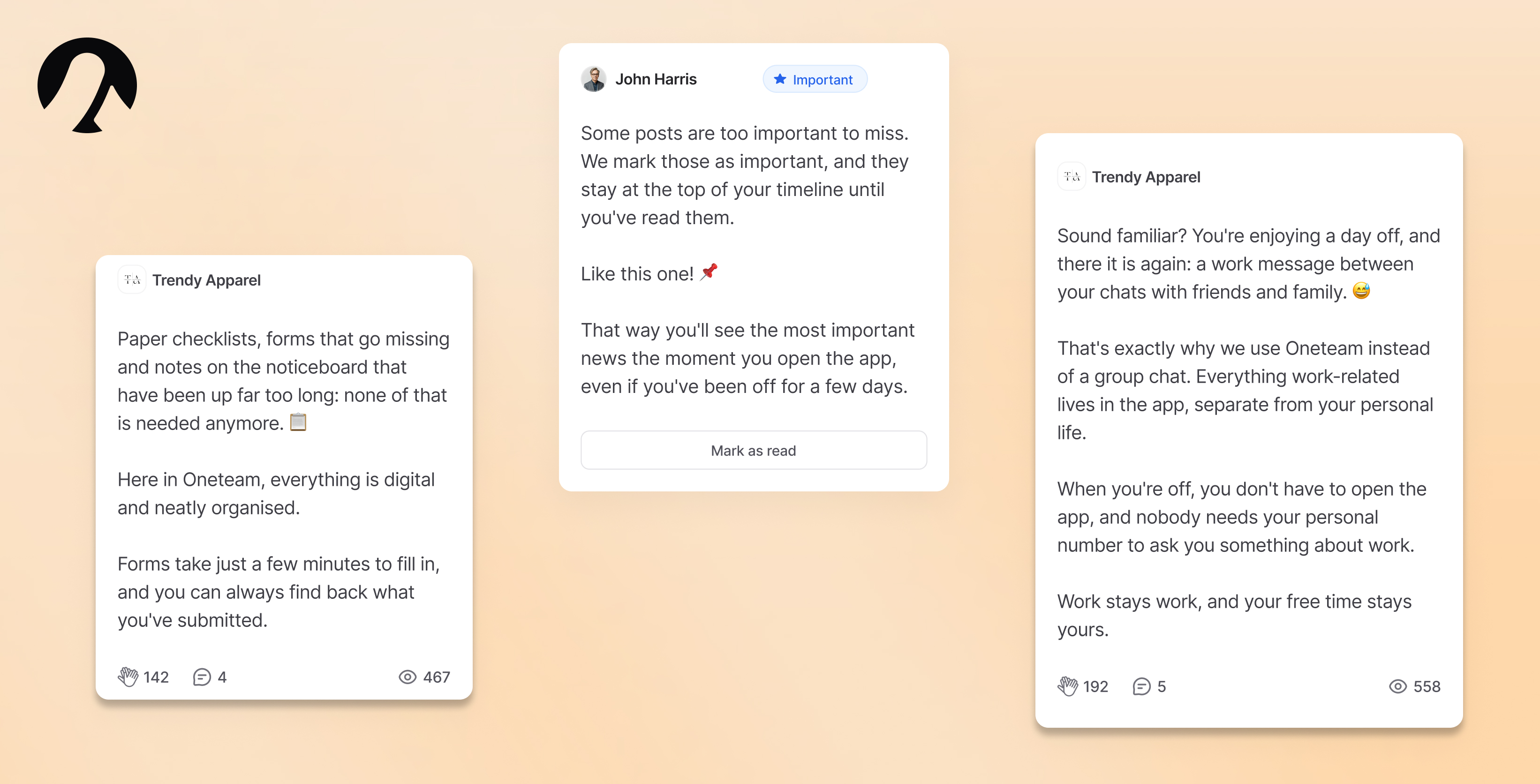
Some posts are too important to miss. We mark those as important, and they stay at the top of your timeline until you've read them. Like this one! 📌
That way you'll see the most important news the moment you open the app, even if you've been off for a few days.
5. Documents and info in one place
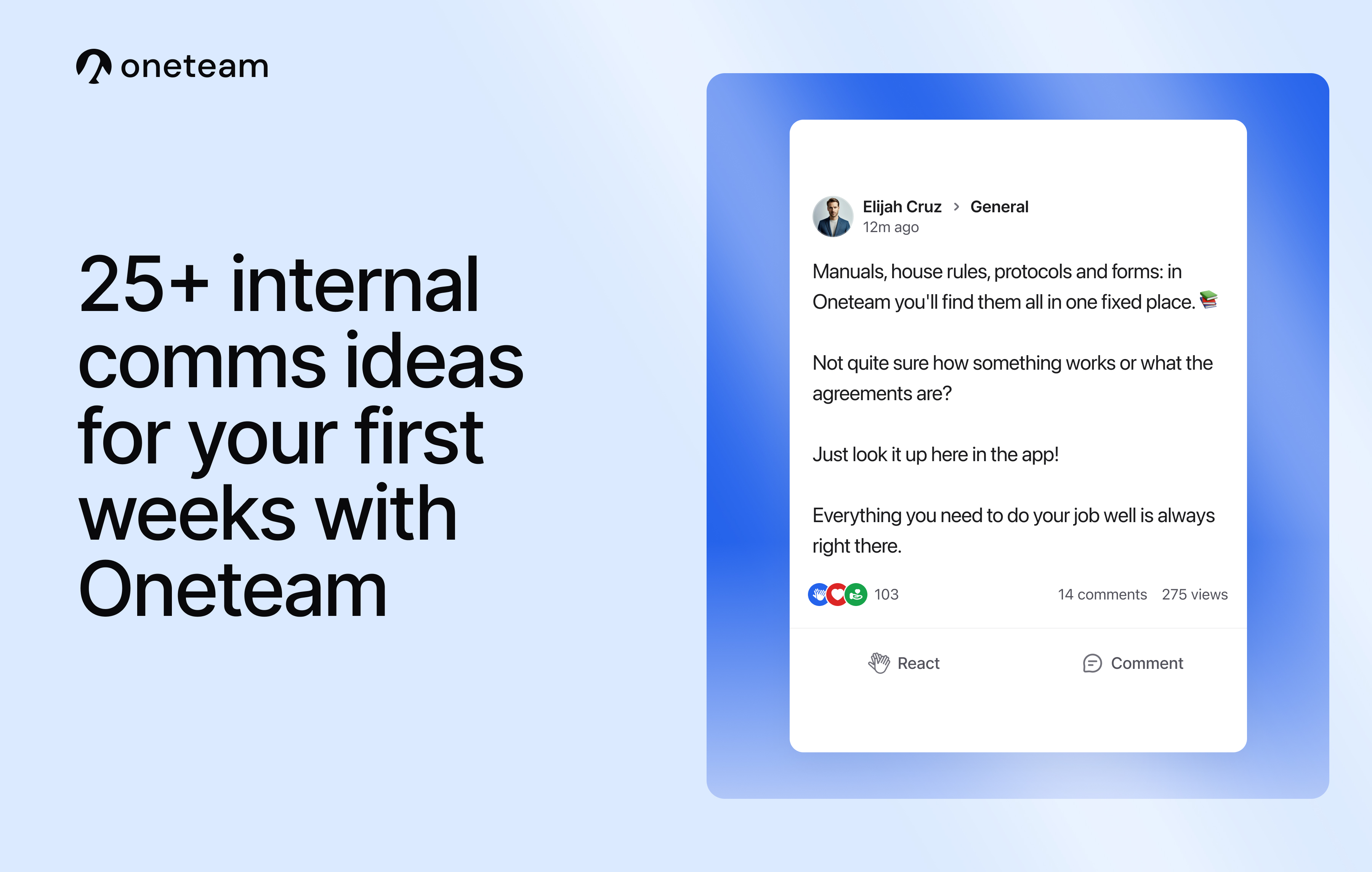
Manuals, house rules, protocols and forms: in Oneteam you'll find them all in one fixed place. 📚
Not quite sure how something works or what the agreements are? Just look it up in the app!
Everything you need to do your job well is always right there.

6. Chatting directly with a colleague
Want to ask a colleague something or coordinate with your team? You can, through the chat in Oneteam. 💬
Simply send a message or start a group chat for your location or your shift.
That way work conversations stay at work, and you don't need to exchange personal numbers to reach each other.
7. Seeing who's on your team
New to the team, or working across several locations?
In the colleague overview you can see at a glance who's on your team, what their role is and how to reach them. 👥
Helpful when you have a question and don't know everyone yet: you'll know right away who to go to.
8. Using the search function
Something was shared recently about the new opening hours, but where was it again? 🔍
Type a few words into the search bar and you'll find the post in no time. Much faster than scrolling back, and you can be sure you've got the right information.
9. Reacting with a high five (or another emoji)
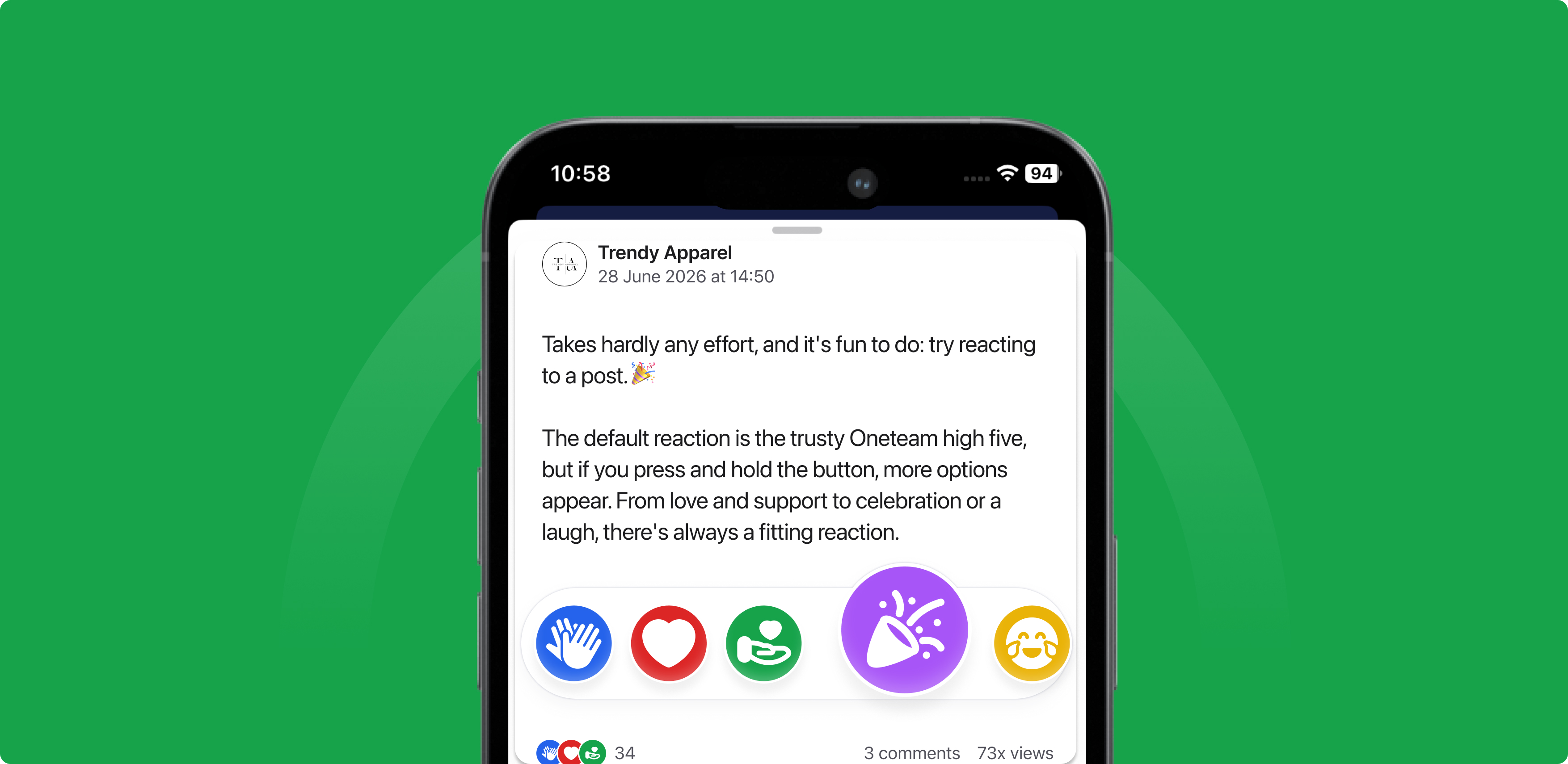
Takes hardly any effort, and it's fun to do: try reacting to a post. 🎉
The default reaction is the trusty Oneteam high five, but if you press and hold the button, more options appear.
From love and support to celebration or a laugh, there's always a fitting reaction.
It lets the sender know their post landed, and it makes the timeline livelier for everyone.
10. Completing your profile
Add a photo and your role to your profile. 🙂
That way colleagues know right away who you are, even if you haven't met in person yet.
Especially if you work across different locations or changing shifts, it makes contact that much more personal.
11. Birthdays and work anniversaries
Did you know you can see in Oneteam who's celebrating a birthday or work anniversary? 🎉
At least, as long as they've made it visible themselves.
A congratulations is posted in seconds and makes someone's day that little bit better.
A lovely way to keep thinking of each other as a team!
Theme 2: Why Oneteam, and what it does for you
This might be the most important thing to share, especially early on. People only really join in once they understand why you chose this, and what it concretely does for them.
12. Everything in one place, right on your phone
Your schedule, your colleagues, the latest updates and your trainings: these used to be spread across a noticeboard, a group chat, your email and a folder somewhere in the office. 📲
In Oneteam, you'll find it all together, right on your phone. Want to check when you're working or who's on with you this weekend? That now takes just a few taps!
13. Work and personal life neatly separated
Sound familiar? You're enjoying a day off, and there it is again: a work message between your chats with friends and family. 😅
That's exactly why we use Oneteam instead of a group chat.
Everything work-related lives in the app, separate from your personal life.
When you're off, you don't have to open the app, and nobody needs your personal number to ask you something about work.
Work stays work, and your free time stays yours.
14. Before versus now
A quick side-by-side 📲
Before: a schedule change you only heard about through a colleague. Now: you see it in the app right away.
Before: requesting time off with a paper slip that got lost. Now: a few taps and done. ✅
Before: your personal number needed for work matters. Now: just open Oneteam, no numbers shared.
Better for everyone, right?
15. You hear it first, not last
"Oh, you didn't know?" News used to reach you only after everyone else had heard it. 🙈
In Oneteam, updates come straight to you, and the most important posts stay at the top until you've read them.
So even after a few days off, you're back up to speed in no time.
16. Your voice counts here
On the floor, you often know best what works and what doesn't. A shame if that stays stuck at a chat in the break room. 💬
In Oneteam you can respond to posts, think along and share your opinion when we ask about something.
We genuinely read that input, and we genuinely act on it.
So don't hold back, because your experience helps make work better for the whole team.
17. Off to a good start from day one
Just started? Then a lot is coming your way: new colleagues, new tasks and agreements you don't know yet. 🙂
In Oneteam you'll find everything to settle in at your own pace: how things work, where to be and who your colleagues are.
You can read it back whenever you like, so you don't have to remember everything at once.
18. Sort things out whenever it suits you
Requesting holiday on a Sunday evening from the sofa? No problem. ✅
Time off, calling in sick or updating your details: you handle it yourself in the app, whenever it suits you.
Your request goes straight to the right person, and you can always look back at what you've submitted.
19. Learning whenever it works for you
In Oneteam, you do your trainings whenever it suits you. 📚
Our e-learnings are now easy to find here in the app and can be started at any moment.
Want to look something up later? Just go through the training again. That way you always have the knowledge at hand!
20. Less paper, less hassle
Paper checklists, forms that go missing and notes on the noticeboard that have been up far too long: none of that is needed anymore. 📋
In Oneteam, everything is digital and neatly organised.
Forms take just a few minutes to fill in, and you can always find back what you've submitted.
Theme 3: Getting active yourself
Reading along is nice, but it only gets fun when people start responding and doing things themselves. These posts invite exactly that.
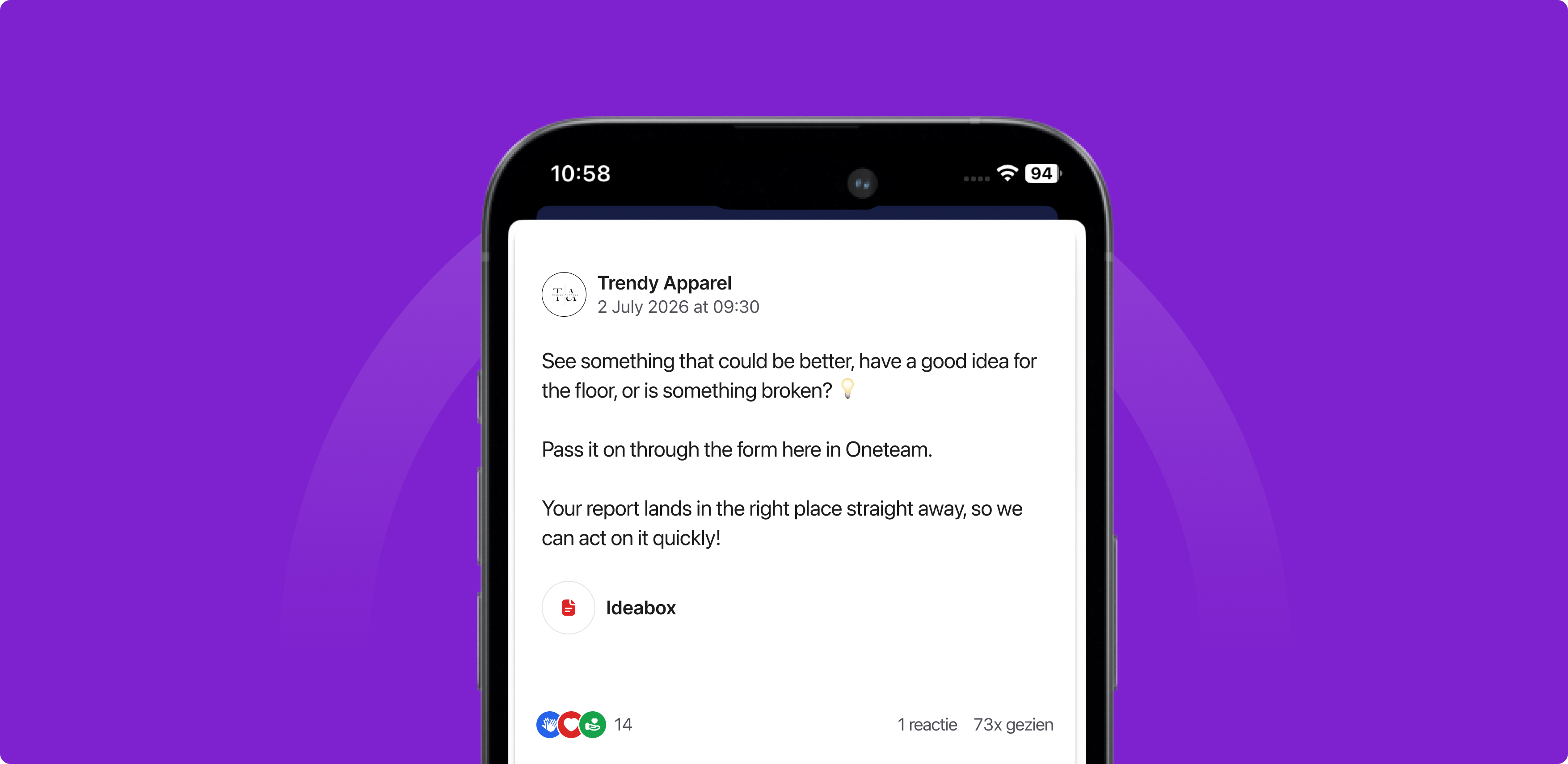
21. Sharing an idea or improvement
See something that could be better, have a good idea for the floor, or is something broken? 💡
Pass it on through the form in Oneteam. Your report lands in the right place straight away, so we can act on it quickly!
22. Putting a colleague in the spotlight
Who deserves a high five today? 🙌
Tag a colleague who made the difference this week, saved a busy shift or simply kept the mood up. Tell us why, that makes it extra fun to read.
We'll kick things off: [colleague's name], thank you for [x]!
Theme 4: Connection and fun
This is where Oneteam really comes to life. Light-hearted posts often get the most responses and create a good atmosphere. Perfect to alternate with the practical ones.
23. A poll
We're curious! ☕ What's your favourite moment of the workday?
Vote in the poll and see if your colleagues agree. 👇
24. Emoji-check-in
Which emoji sums up your workday so far? 😄😴🔥
Reply below, we're curious how everyone's doing today!
25. Team photo
Time to show who we are. 📸
Share a photo of your team in action, or of a moment this week that made you laugh.
Fun to see each other's teams and locations for a change!
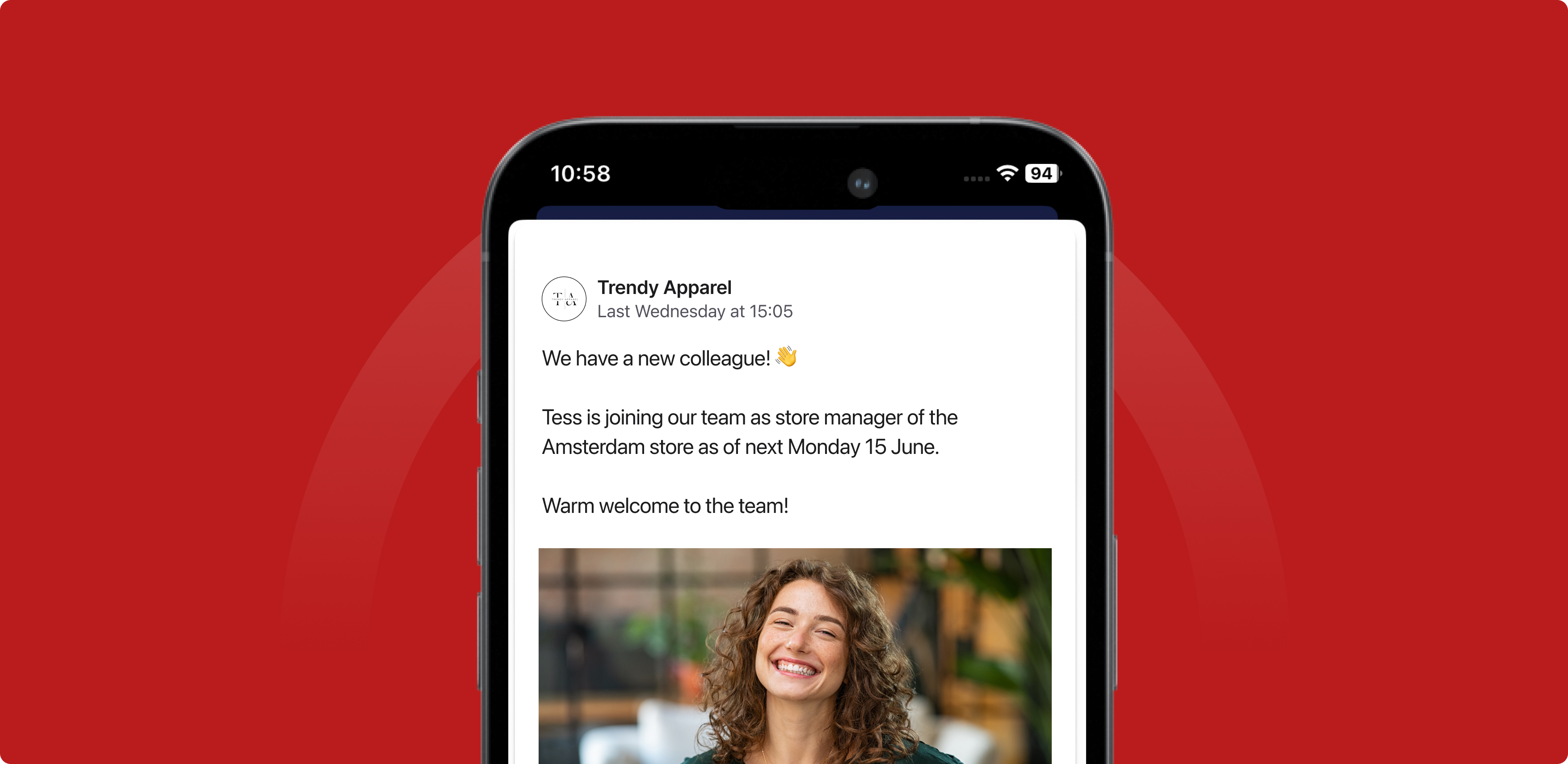
26. Welcoming a new colleague
We have a new colleague! 👋 [
Name] is joining our team and starts [when] as [role]. A very warm welcome!
Tips to keep it going
A few things that help keep up the momentum, also after the first few months:
- Plan a few posts ahead. At the start of the week, decide which two or three posts you want to share. It saves improvising and keeps your rhythm steady.
- Mix it up. Combine practical posts with lighter ones. A week of only instructions feels like homework, a week of only fun misses the point. The mix is what makes it work.
- See what lands. In Oneteam you can see which posts are read well and where people respond. Do more of what works for your team and let go of the rest.
- Involve others. You don't have to do it alone. Let location managers or team leads post too, and the platform naturally becomes more varied and lively.
Getting started
You don't have to do everything at once. Pick a few posts that fit where your team is right now, share them over the coming weeks, and build up a rhythm at your own pace. Before you know it, opening Oneteam is as normal as checking your schedule.
Looking for more inspiration throughout the year? Have a look at our engagement calendar for frontline teams, full of fun moments to tap into from January to December.
Keep it simple, keep it human, and above all: make it fun. Good luck!


In diesem Artikel

Weitere Artikel


Watch the full demo & start your free trial

.svg)
.svg)


(+31) 10 268 14 60
.svg)
(+1) 929 209 2635

.svg)
.svg)
