Découvrez Buddy, le premier partenaire IA pour le personnel de première ligne


Send tasks and checklists straight to your team’s phones. Make responsibilities clear, collect proof of completion, and see what’s done across every location. All in Oneteam.





Clear responsibilities for your team. A clear overview for you.
When tasks live in messages and paper checklists, it’s hard to know what actually got done.


Bring instructions, responsibilities, and completion together in the app your frontline teams already use.

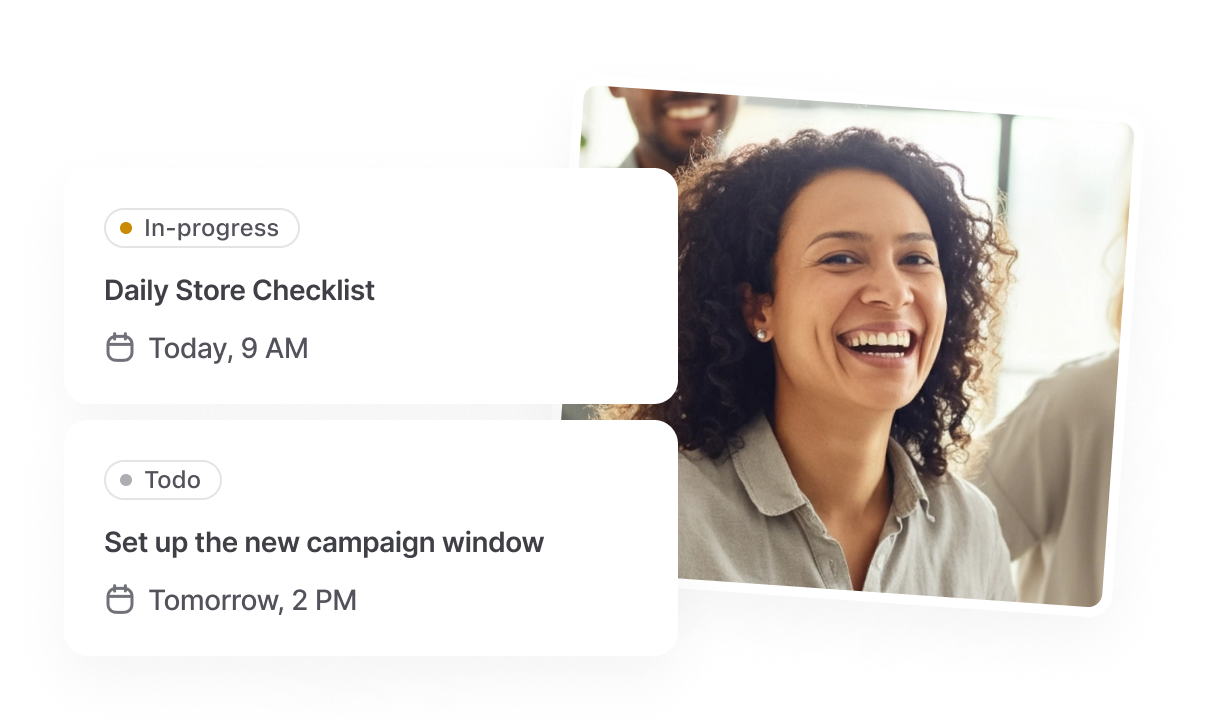
Manage everyday routines and one-off requests with flexible tasks, shared checklists, and a clear view of completion across your locations.
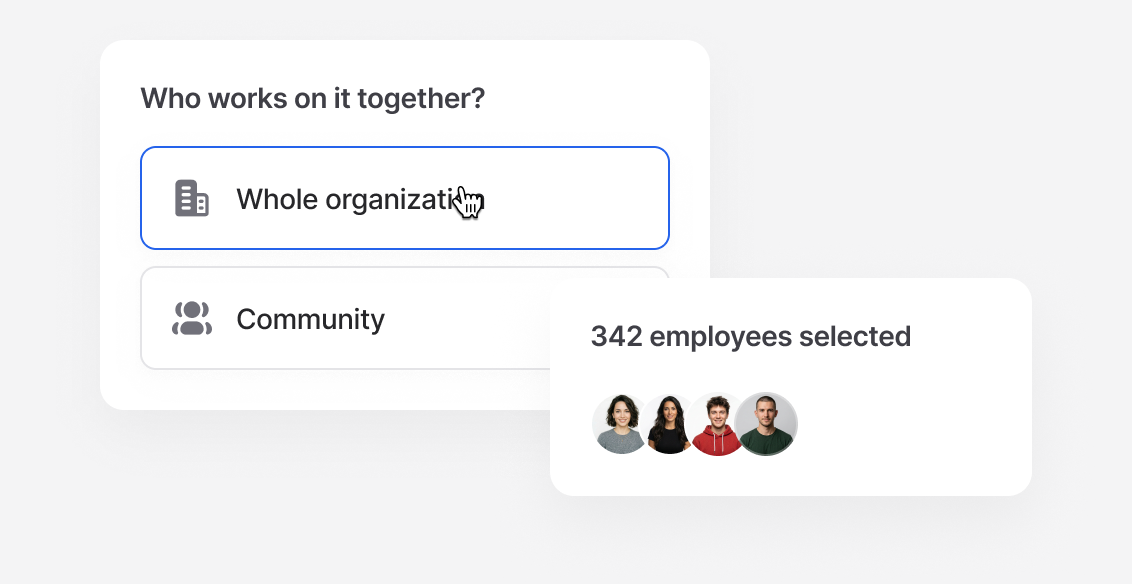
Give each employee a task to complete individually, or let a team work on it together. Assign across your organization or by community, so everyone knows what needs to happen.
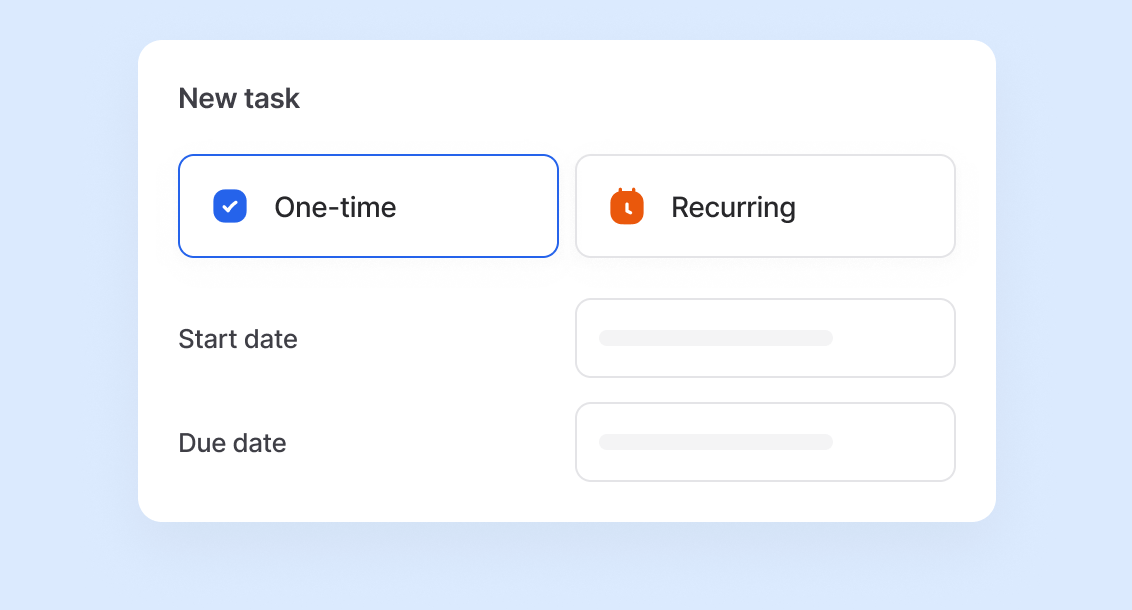
Create one-time tasks for specific requests and recurring tasks for work that repeats. From new promotions to opening checklists, keep teams following the same process.
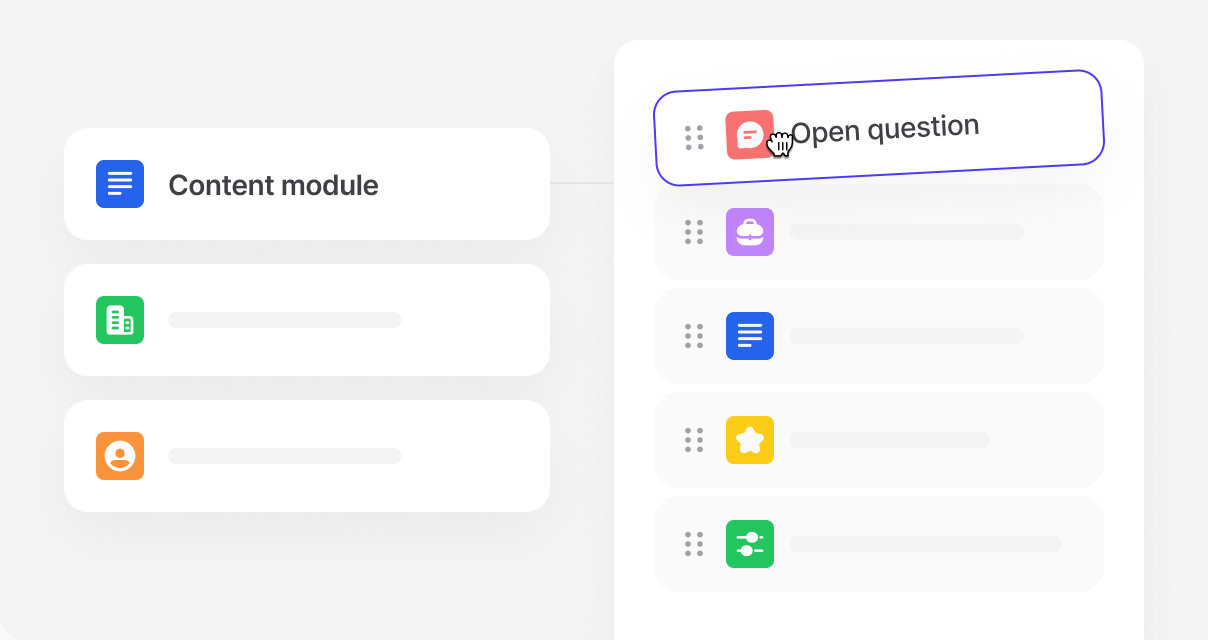
Add checklists, photo uploads, and open questions to your tasks. Give employees clear steps to follow and collect the details you need to see how work was completed.
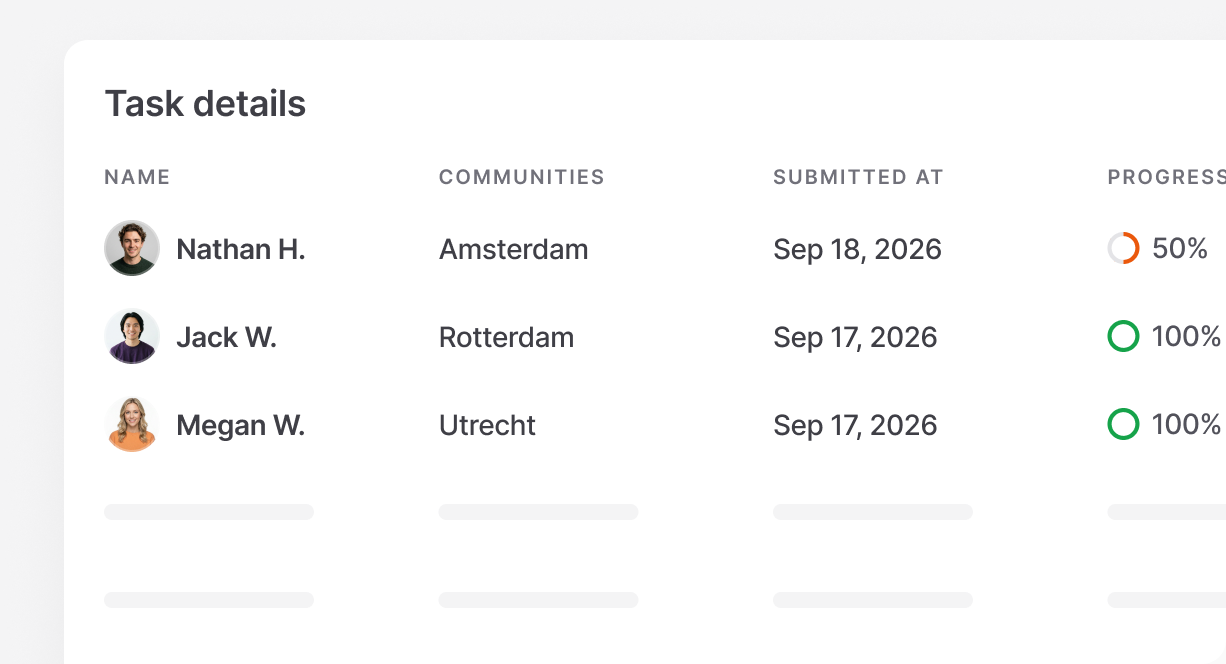
Track completion across locations. See which teams have finished and where work is still open, so you can follow up where support is needed.

Set due dates so employees know when work needs to be finished and managers know what needs attention.

Ask each assigned employee to complete their own task. Keep individual responsibilities clear, even when the same work goes to a larger group.

Ask employees to share observations or explain an issue. Keep their answers with the task, so you have the context behind the result.

Give each task a title and description so your team knows what to do. Keep the instructions alongside the work they need to complete.

Break work into clear steps that a team can complete together. Make it easy to see what has been checked off and what still needs doing.

Ask employees to add a photo to their task. Check a new display or see a reported issue without a separate message or site visit.

See what’s waiting, in progress, or completed. Give managers a clear view of outstanding work and where to follow up.

Show open tasks and deadlines in the Hub, so employees can find their next task and open its details on their phone.

Add a review step when work needs checking. Review submitted tasks and approve or reject them through your configured workflow.

Set how often a routine needs to happen. Keep regular checks and repeat work organized without creating the same task from scratch.

Assign shared work across your organization or separately by community. Give each location its own task to complete and track its progress.

See who completed each item in a shared checklist. Keep individual contributions visible, even when the whole team works on one task.