4.5
Available on iOS, Android & Web
Apple logoandroied logoweb logo

The Operating System for successful frontline teams

Hundreds of companies trust Oneteam to connect, grow,
and retain their most important asset.

Branded app. No risk, no commitment.
Your own branded app. Zero risk, zero commitment.
Hand holding a phone showing the Oneteam app home screen with company news, reactions and a to-do listHero image
Join over 300+ world leading companies
Product

Everything you need to build a successful frontline team

Connect
Core
Dropdown
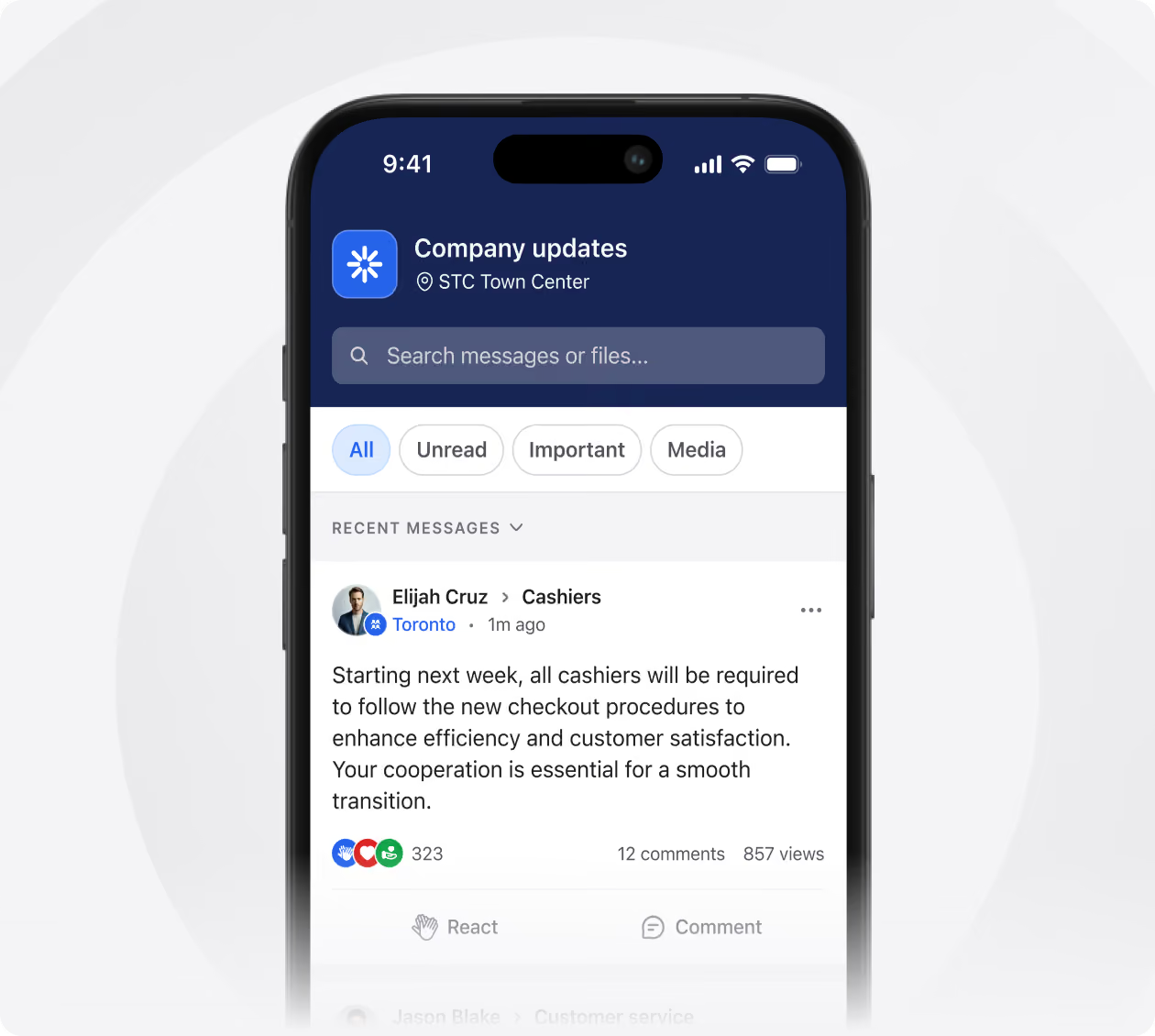
Smartphone screen showing a company messaging app named Company updates at STC Town Center, with a search bar and filter tabs for All, Unread, Important, and Media. A recent message from Elijah Cruz in Cashiers group mentions new checkout procedures required for cashiers starting next week to enhance efficiency and customer satisfaction, with 323 reactions, 12 comments, and 857 views.
News & Updates

Post news, updates and announcements to the whole company or one location. Everyone gets it on their phone, so nothing depends on a noticeboard or a shift handover.

Learn more
arrow icon
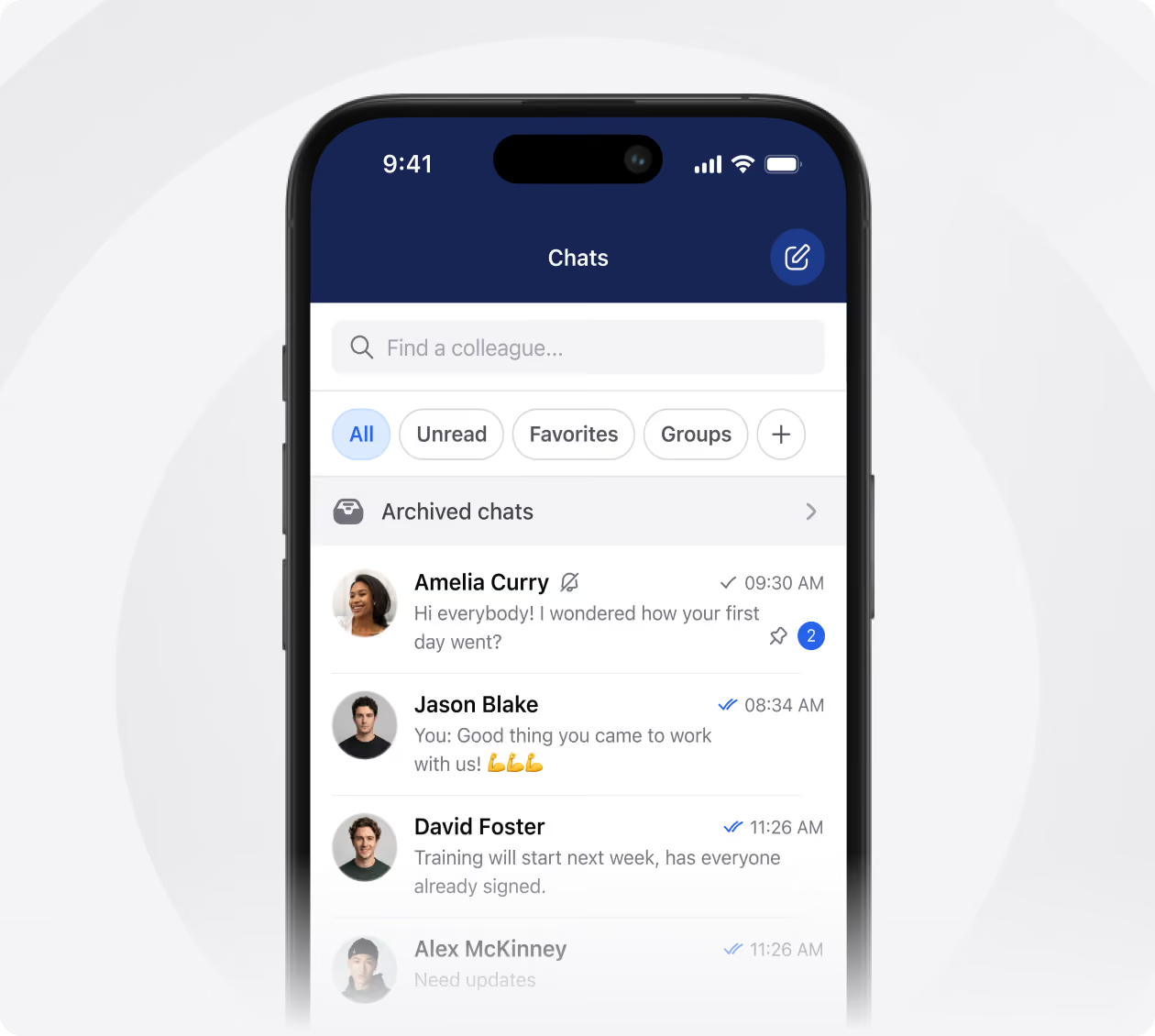
Smartphone screen showing a chat app interface with tabs for All, Unread, Favorites, and Groups. Four chat conversations are visible: Amelia Curry with a message asking how the first day went and two new messages, Jason Blake replying with encouragement and muscle emojis, David Foster announcing training starting next week, and a faded conversation from Alex McKinney needing updates. The app header has a search bar and button to compose a new message.
Team Chat

Chat one-to-one or in groups built around teams, shifts and locations. Questions get answered between shifts instead of waiting for the handover.

Learn more
arrow icon
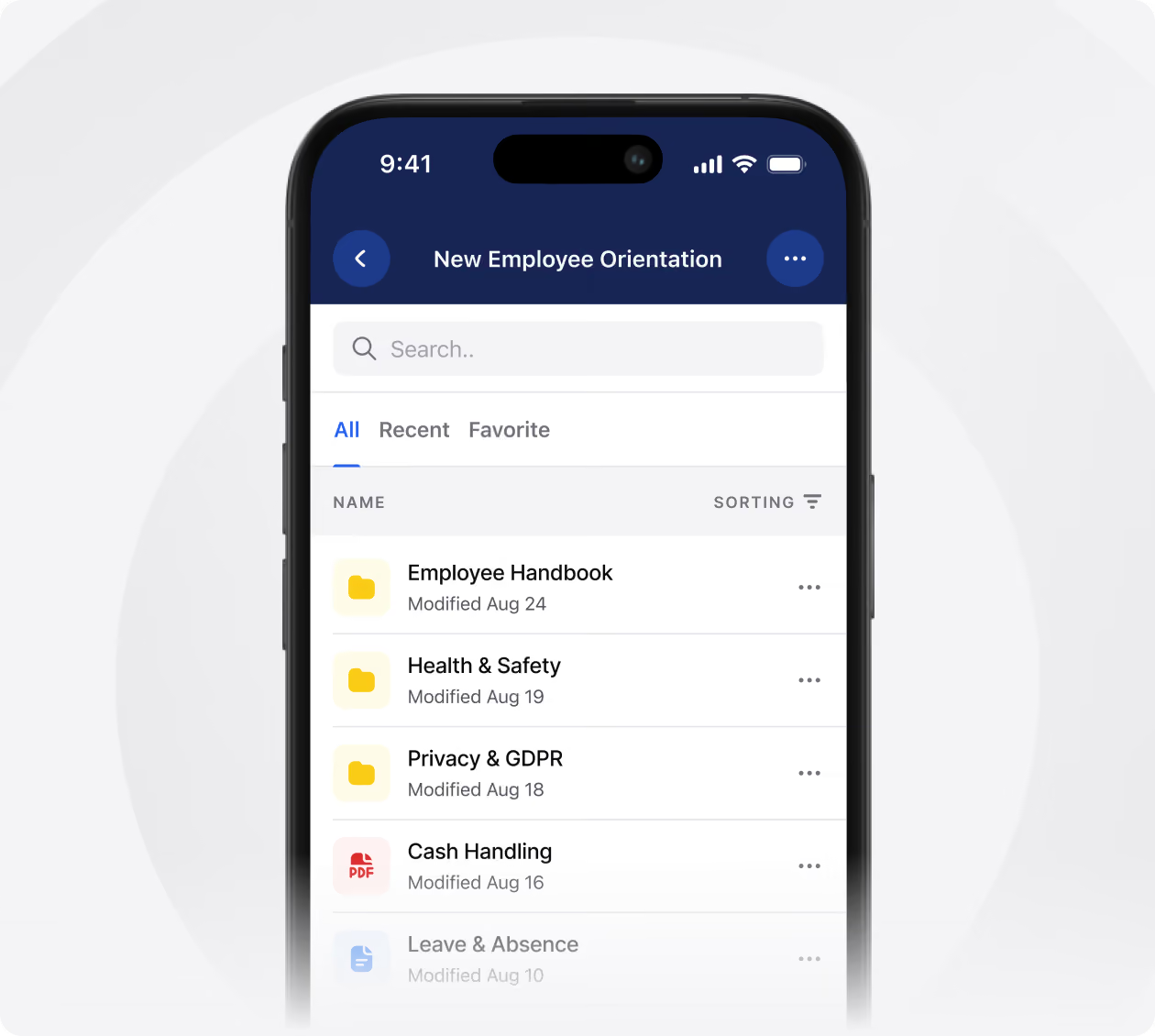
Smartphone screen displaying a New Employee Orientation file list with folders labeled Employee Handbook, Health & Safety, Privacy & GDPR, a PDF titled Cash Handling, and a grayed-out file Leave & Absence, each showing last modified dates in August.
Knowledge Library

Handbooks, policies and how-tos in searchable folders, always on the latest version. The "where is that document" question stops reaching your inbox.

Learn more
arrow icon
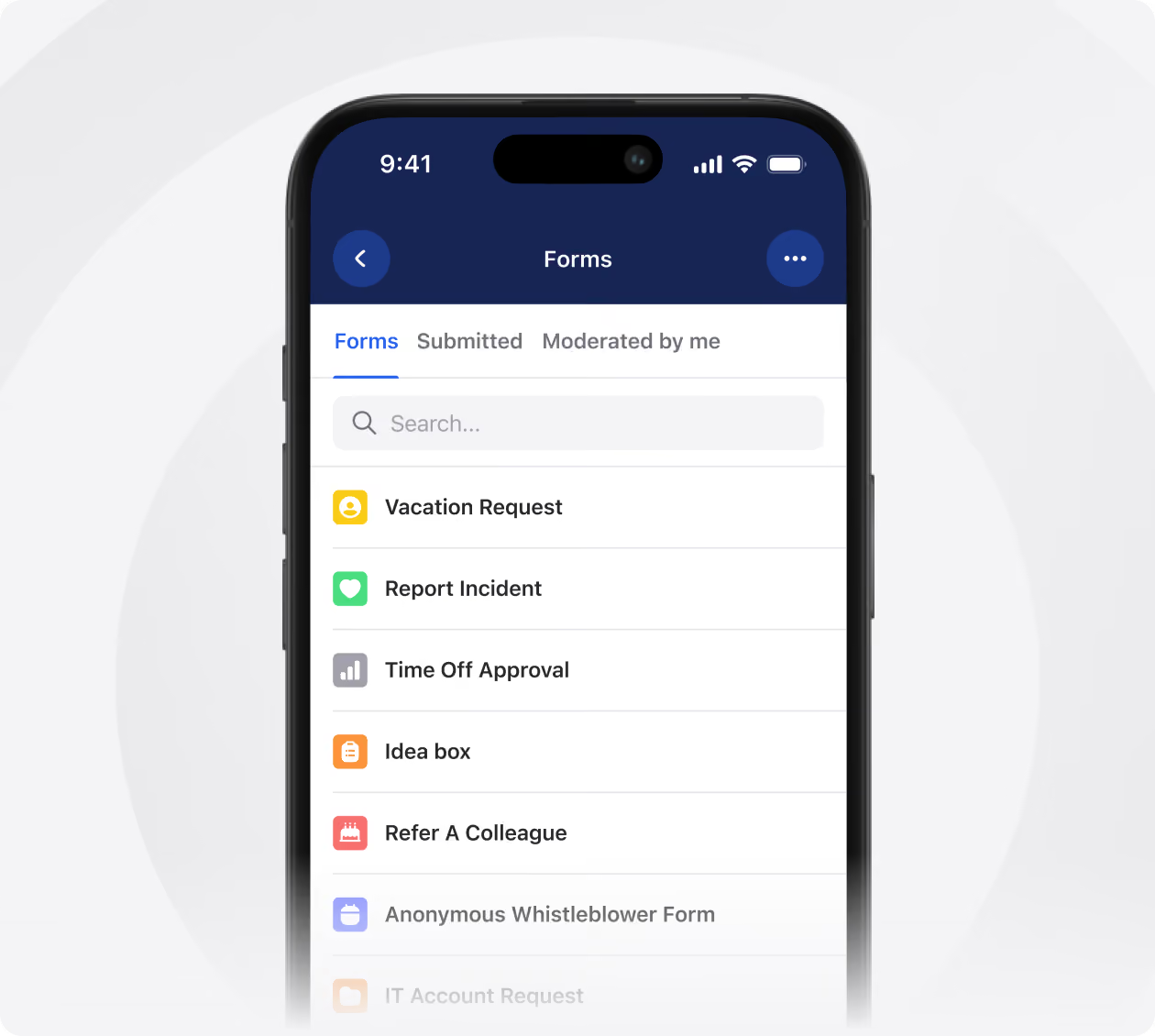
Smartphone screen displaying a Forms app interface with tabs for Forms, Submitted, and Moderated by me, a search bar, and a list including Vacation Request, Report Incident, Time Off Approval, Idea box, Refer A Colleague, and Anonymous Whistleblower Form.
Forms & ticketing

Replace paper requests with forms people submit from their phone, routed to whoever handles them. Holiday, maintenance and IT requests stay tracked until they are closed.

Learn more
arrow icon
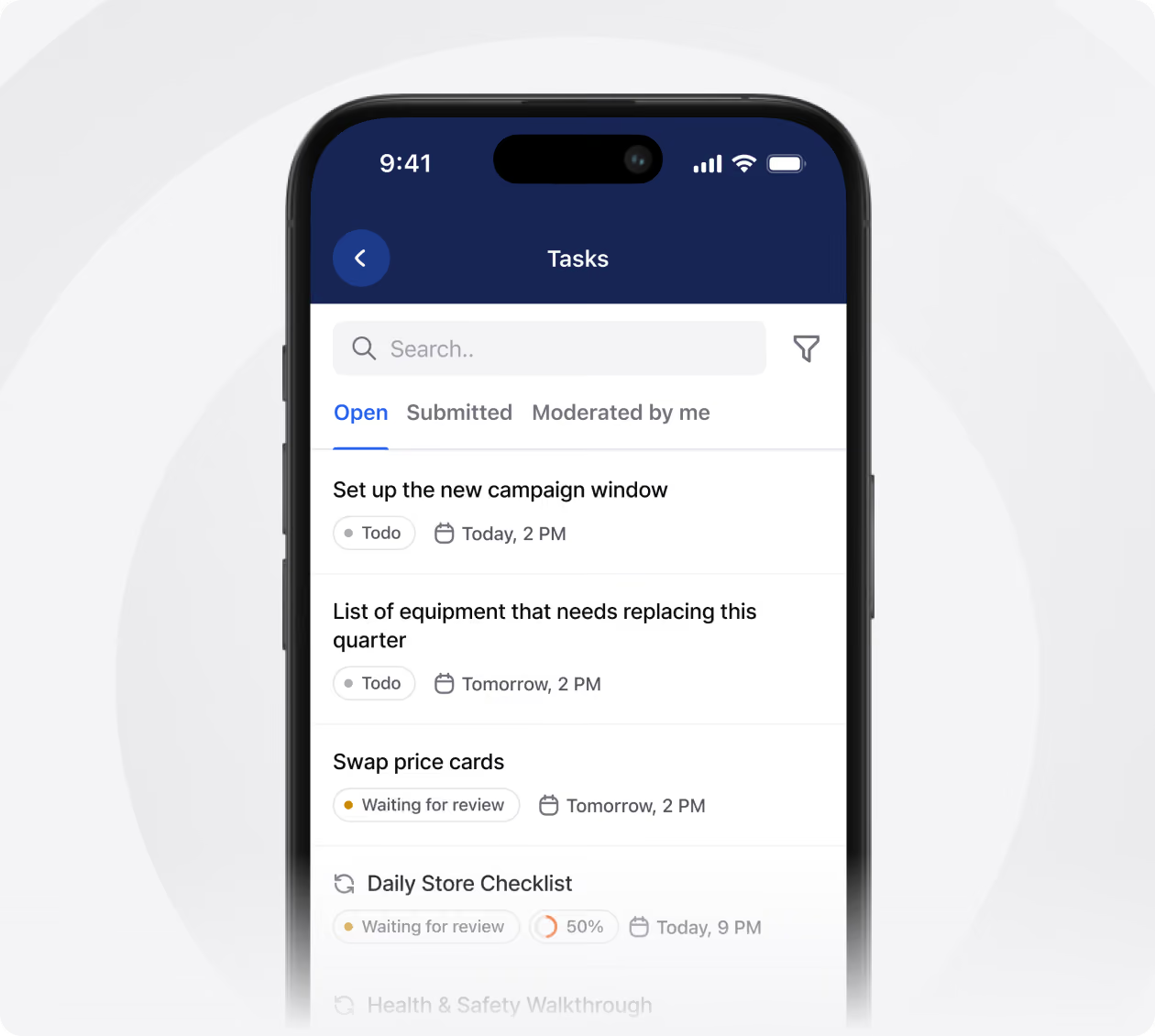
Smartphone screen showing a task management app with tabs for Open, Submitted, and Moderated by me tasks, search bar, and a filter icon. The Open tab lists tasks including 'Set up the new campaign window' due today at 2 PM marked Todo, 'List of equipment that needs replacing this quarter' due tomorrow at 2 PM marked Todo, 'Swap price cards' due tomorrow at 2 PM marked Waiting for review, and 'Daily Store Checklist' 50% complete and waiting for review, due today at 9 PM.
Tasks & checklists

Send one-off tasks or recurring checklists to a person, a team or every location. Opening checks and safety walkthroughs get done on time, with proof they happened.

Learn more
arrow icon
Grow
Core
Dropdown
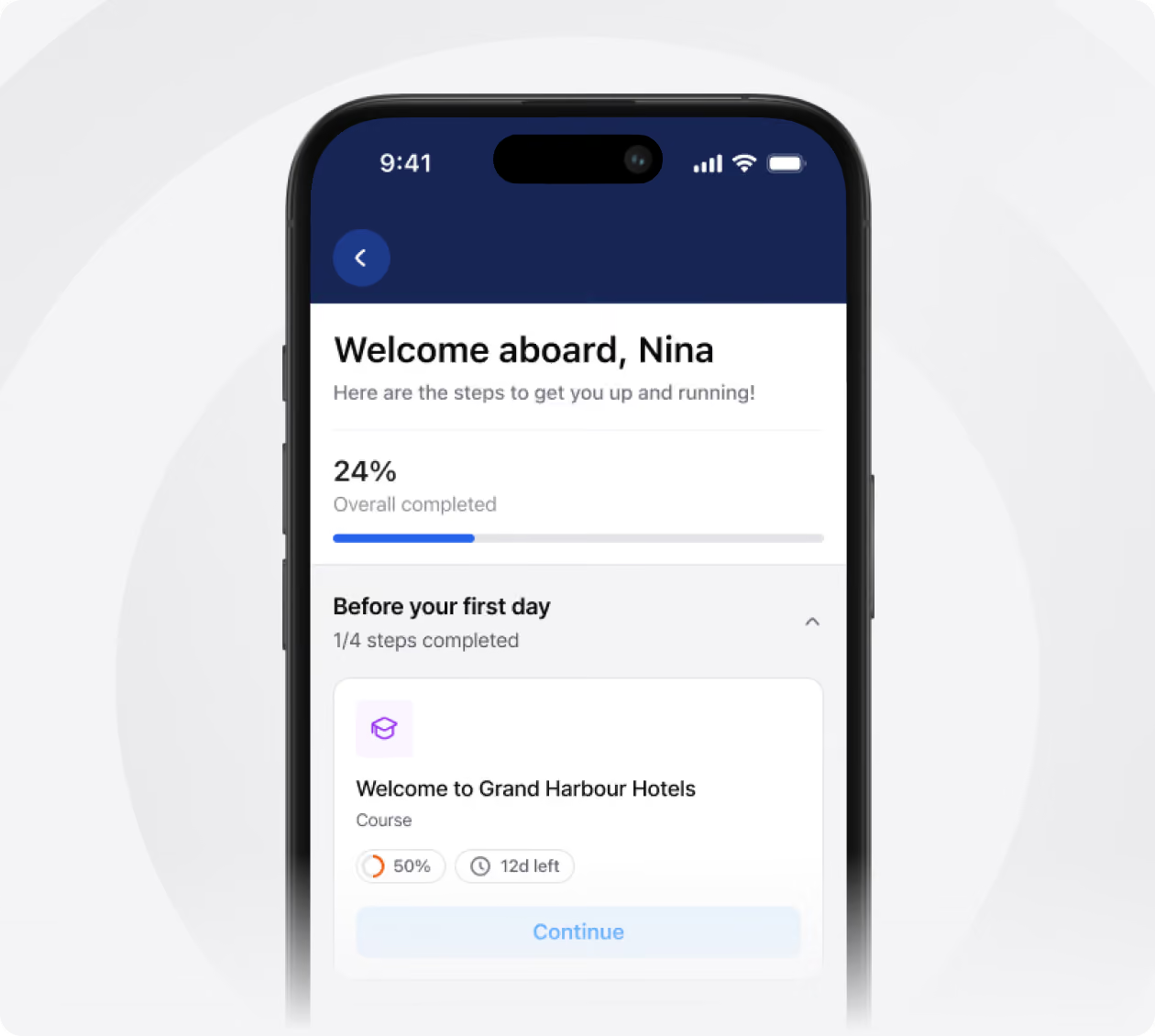
Smartphone screen showing a welcome onboarding app interface addressed to Nina, displaying 24% overall progress with a progress bar, and one of four steps titled 'Welcome to Grand Harbour Hotels' course at 50% completion with 12 days left and a Continue button.
Onboarding

Build a journey per role and release each step on its own day. New starters arrive knowing what to do, and you can see who is ahead and who is stuck.

Learn more
arrow icon
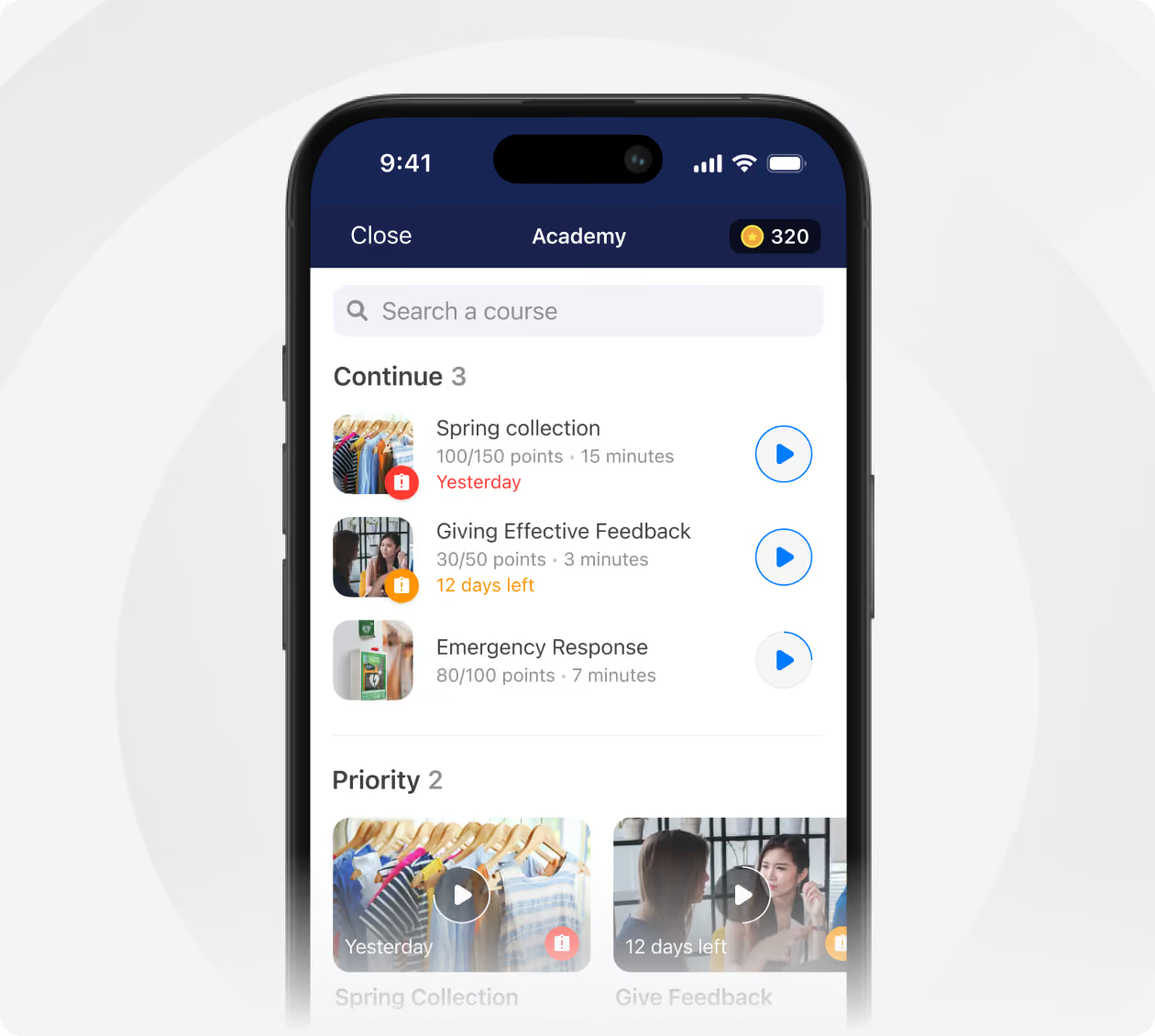
Smartphone screen showing an Academy app interface with a search bar, a 'Continue' section listing three courses: Spring collection with 100/150 points and 15 minutes, marked as 'Yesterday'; Giving Effective Feedback with 30/50 points and 3 minutes, with 12 days left; Emergency Response with 80/100 points and 7 minutes. Each course has a thumbnail image and a play button icon. Below is a 'Priority' section with two courses shown as video thumbnails: Spring Collection and Give Feedback with respective deadlines.
E-learning

Short courses people take on their phone between shifts, with points and deadlines to keep them moving. Compliance training gets done without leaving the floor.

Learn more
arrow icon
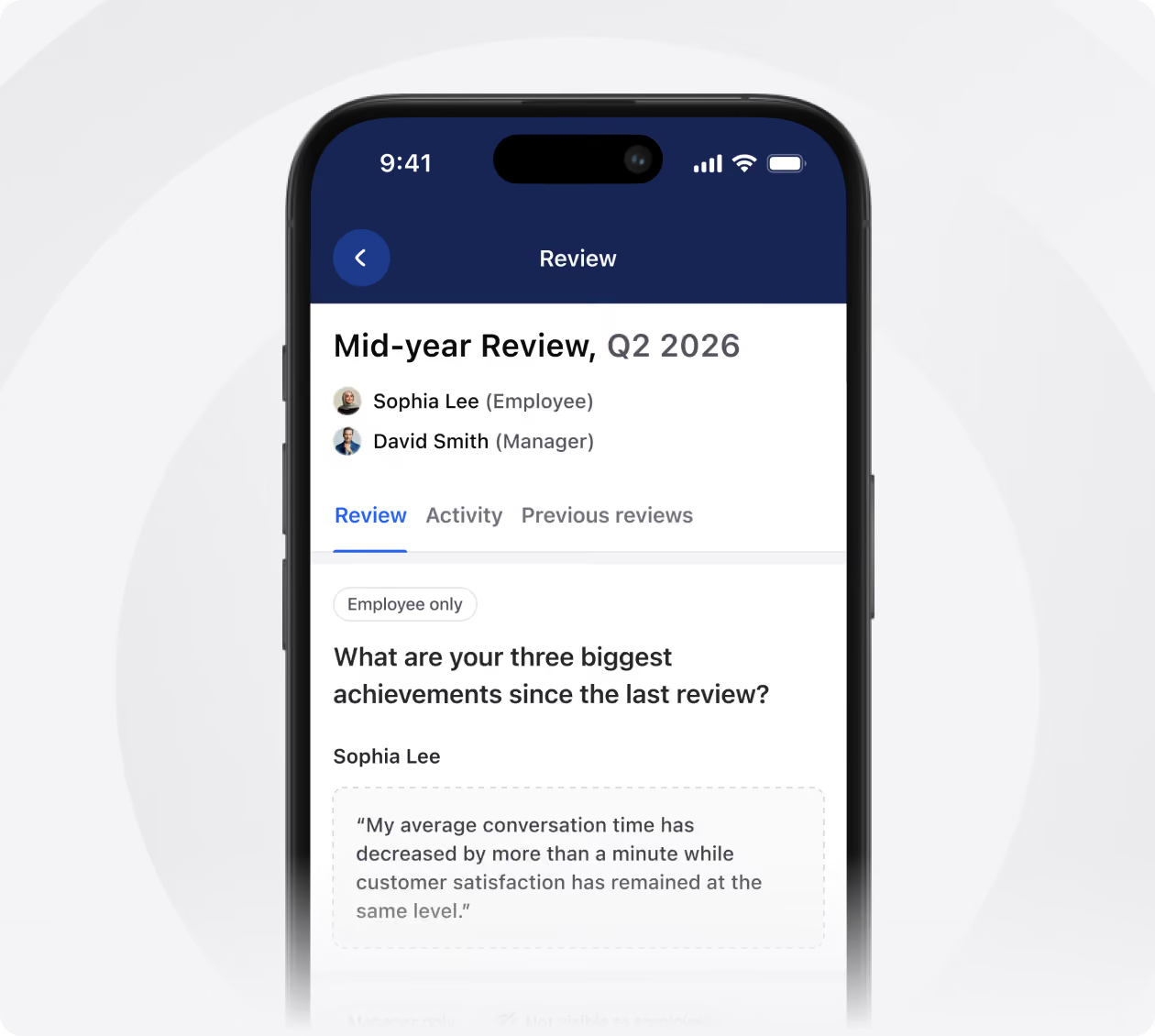
Smartphone screen showing a mid-year review app interface for Q2 2026, featuring employee Sophia Lee and manager David Smith. The Review tab is active, displaying a question about the three biggest achievements since the last review. Sophia Lee's answer mentions that average conversation time decreased by more than a minute while customer satisfaction remained at the same level.
Performance Management

Run reviews and check-ins from the app, with employee and manager answering the same questions. Every conversation stays on record, not in a manager’s memory.

Learn more
arrow icon
Retain
Core
Dropdown
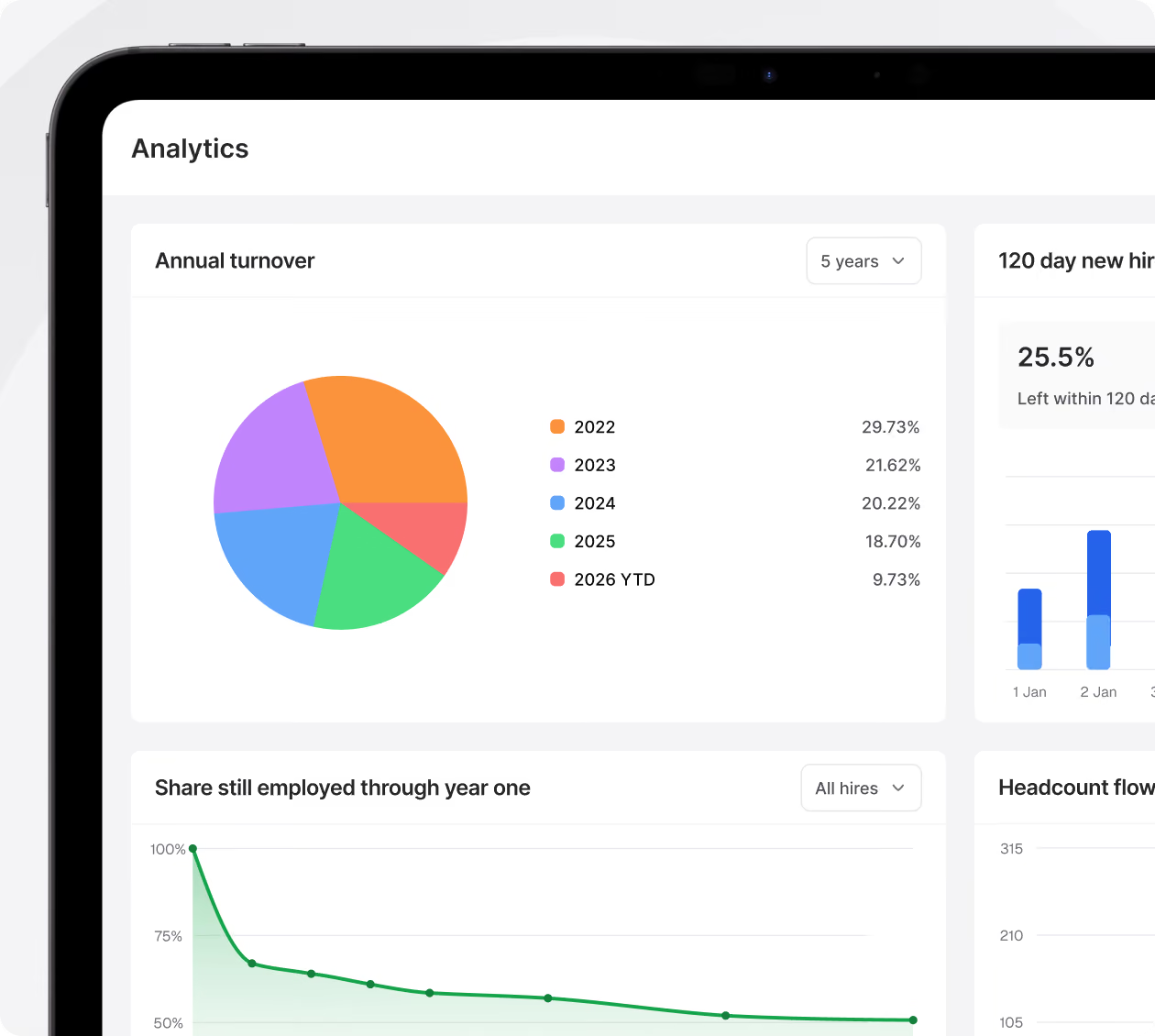
Tablet screen showing analytics dashboard with a pie chart of annual turnover from 2022 to 2026 YTD and a line graph of share still employed through year one.
People Analytics

Identify where new hires drop off, turnover differences, and actions linked to retention. Focus on areas needing support.

Learn more
arrow icon
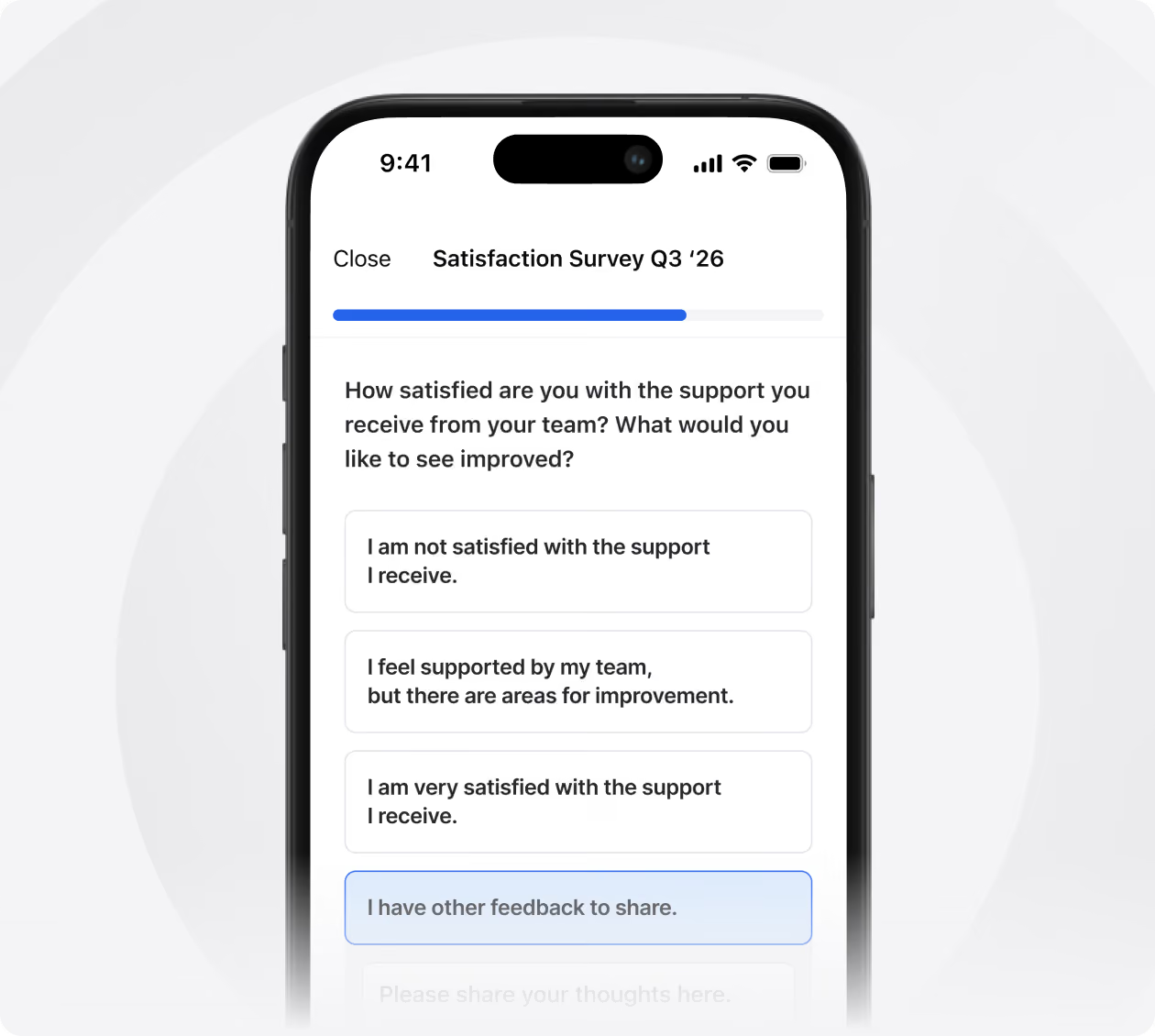
Smartphone screen showing a satisfaction survey for Q3 2026 with a progress bar and a question about satisfaction with team support, offering four response options ranging from not satisfied to very satisfied and an option to share other feedback.
Surveys

Award points and badges for good work, redeemable for rewards you pick. Recognition lands on the timeline instead of getting lost in a group chat.

Learn more
arrow icon
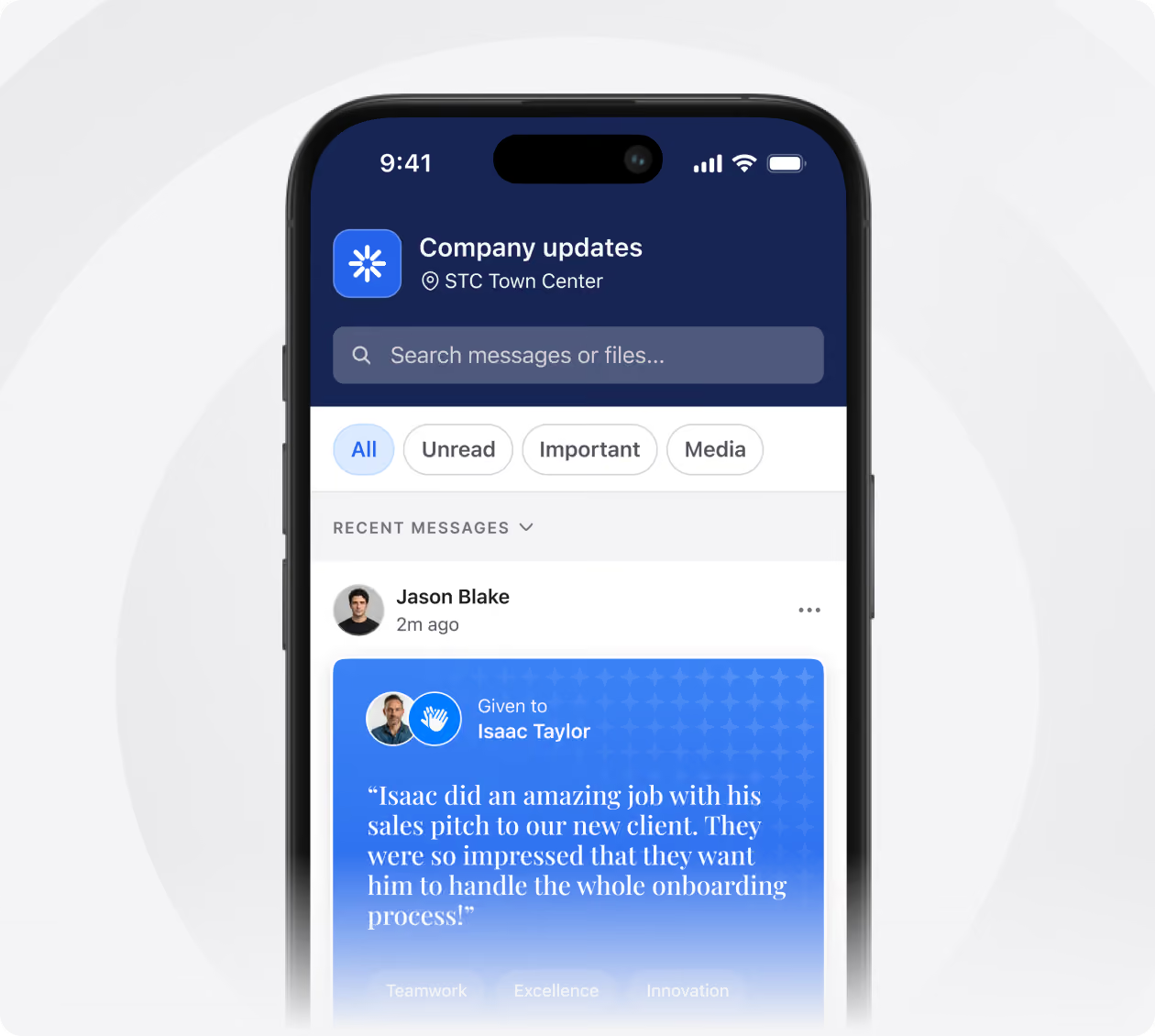
Mobile screen showing a 'Company updates' chat from STC Town Center with a search bar and filter options: All, Unread, Important, Media. A recent message from Jason Blake, 2 minutes ago, highlights praise given to Isaac Taylor for an amazing sales pitch that impressed a new client and led to Isaac handling the whole onboarding process, with tags for Teamwork, Excellence, and Innovation.
Rewards & Recognition

Award points and badges for good work, redeemable for rewards you pick. Recognition lands on the timeline instead of getting lost in a group chat.

Platform
Core
Dropdown
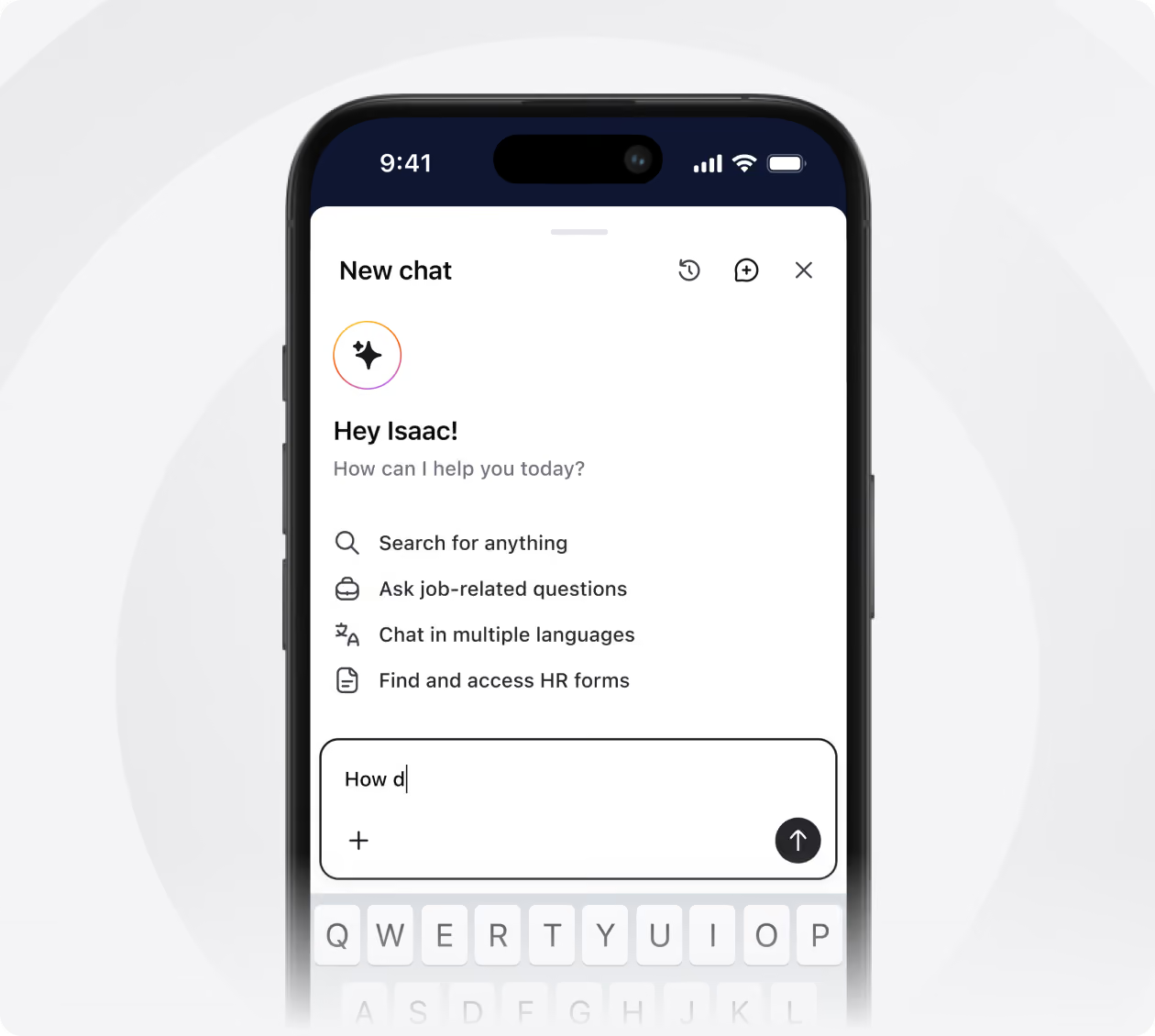
Smartphone screen showing a chat interface greeting user Isaac with options to search, ask job questions, chat in multiple languages, and access HR forms, with a text input field partially typed 'How d' and a visible keyboard.
AI Buddy

Ask a question in any language and get the answer from your own handbooks, policies and forms. New starters stop queuing at the manager's office for things already written down.

Learn more
arrow icon
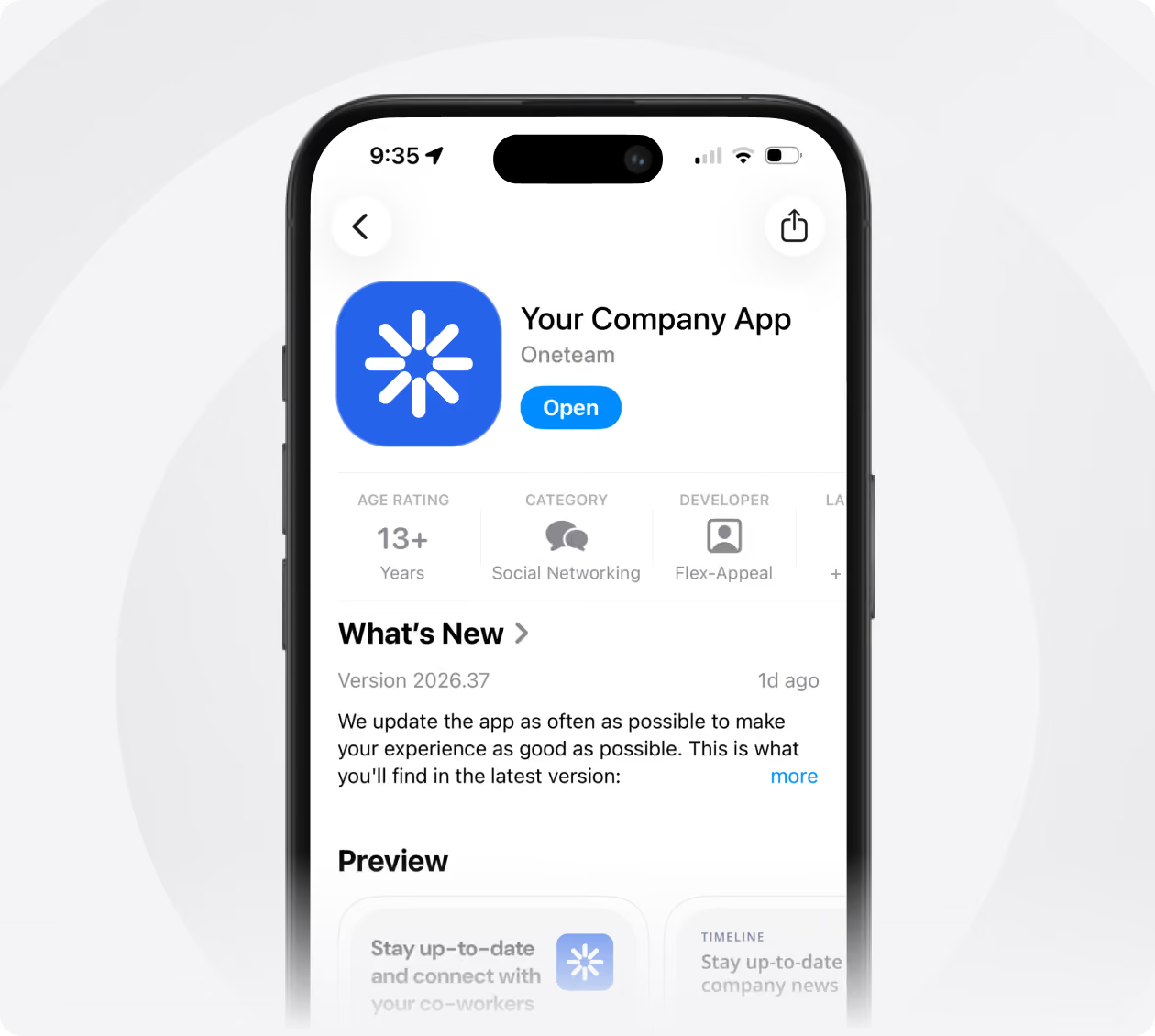
A smartphone screen showing an app page for 'Your Company App' by Oneteam with a blue icon, an 'Open' button, age rating 13+, category Social Networking, developer Flex-Appeal, and a 'What's New' section describing app update details and a preview.
White Label

Your logo, your colours, your name in the App Store, included on every plan. People download their company app, not a tool they have never heard of.

Learn more
arrow icon
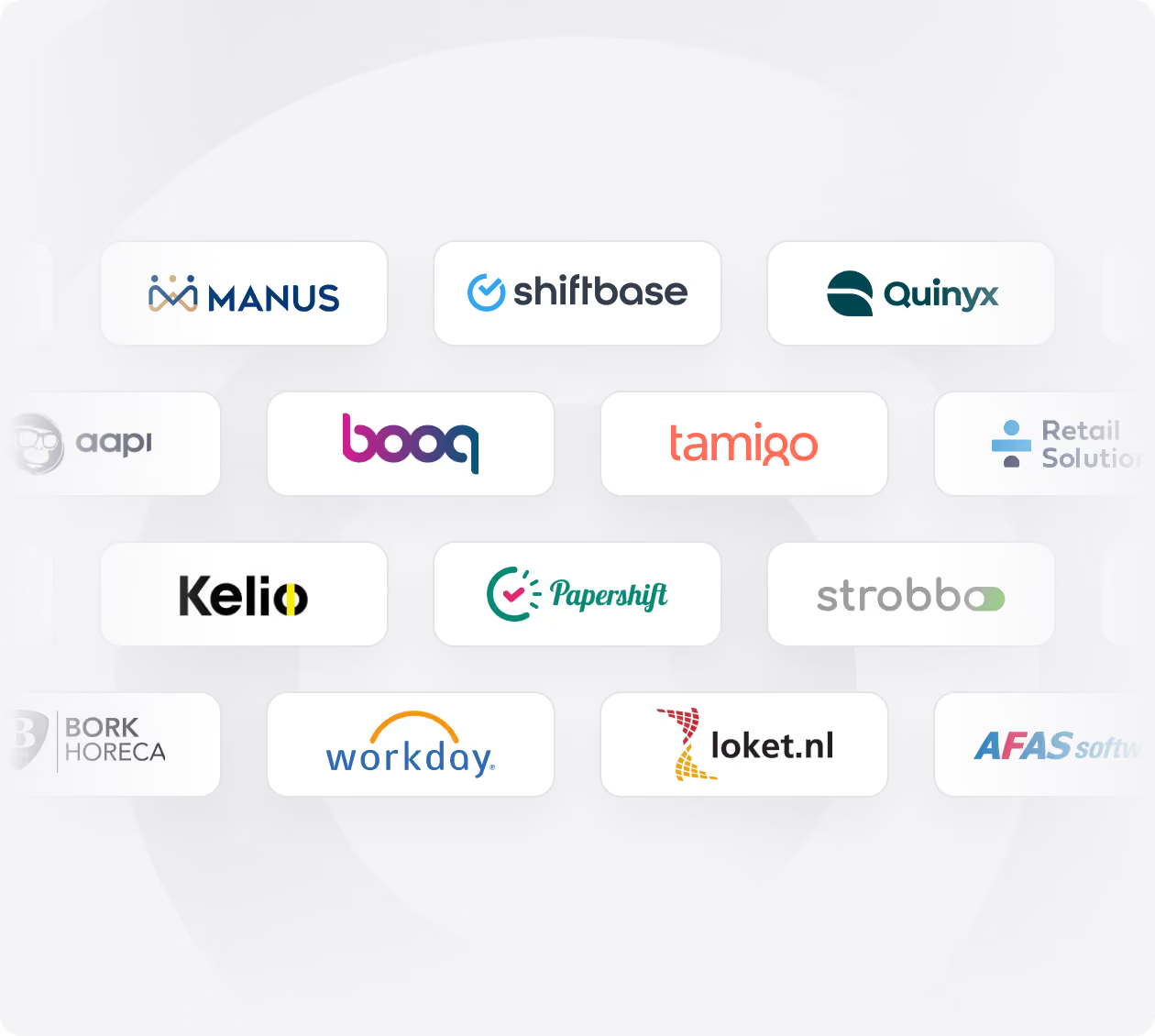
Grid of company logos including Manus, Shiftbase, Quinyx, Aapi, Booq, Tamigo, Retail Solution, Kelio, Papershift, Strobbo, Bork Horeca, Workday, Loket.nl, and AFAS software on a light circular background.
Integrations

Sync people and schedules from the systems you already run, from Quinyx and Shiftbase to your HR system. Nobody keeps a second list of who works where.

Learn more
arrow icon
AI powered

Your team asks. Buddy answers.

Your AI Buddy answers employee questions 24/7, in any language. Trained on your company content, it gives instant answers whenever they need them.

Learn more
Smiling young female store employee wearing a blue apron and dark gray shirt, looking at a smartphone inside a convenience store with shelves of snacks and drinks in the background.
Reduces repetitive HR and manager questions by 60%+
Available 24/7 in all languages, including nights and weekends
Detects its own knowledge gaps and gets smarter over time
Integrations

Works with tools you already use

Oneteam slots right into your existing stack syncing employee data, schedules, and more so everything stays in one place.

Case studies

Loved by hundreds of companies

1,500+
Employees reached with one message
"Our wish was one app, a WestCord employee app, in which all internal communications is centralised per team, hotel and on a WestCord Hotels level. And this app also had to include employee training and digital micro learnings."
Eline Ligthart,
Employee Journey Manager
Large multi-story beige building under a blue sky with signage reading 'WestCord Fashion Hotel' and a section labeled 'Skybar'.
20%
Better employee retention
“Oneteam is our central hub where all communication comes together. We can easily share updates, new colleagues introduce themselves, and everyone stays up to date. It brings both clarity and connection.”
Simone Böhmer
HR & Culture Manager
Blurred image of a multi-story building with a tall pointed roof and a weather vane on top, surrounded by trees under a gray sky.
97.3%
Of employees actively use the app
“97% of our employees actively use Oneteam. The improved communication with and involvement of our frontline employees has a positive impact on our business. The frontline employees are more confident on the floor and can therefore offer the best possible experience to our guests.”
Caroline,
Communications & Operations
Symmetrically mirrored photo of a historic stone building with tall narrow windows, decorative architectural details near the roof, and flags atop the structure under a cloudy sky.
91%
Of employees actively use the app
“Prior to Oneteam, we could only connect with 20% of our employees, as the rest lacked a business email address. Now, we're reaching over 90% of our workforce, which is truly remarkable.”
Annabeth van,
Internal Communication
Exterior of a Toolstation store with three signs on the upper building facade: the central sign says 'TOOLSTATION' with a blue, yellow, and red color scheme; the left sign reads 'OPEN TO ALL 7 DAYS A WEEK'; the right sign states 'LOW PRICES TRADE QUALITY PRODUCTS'. A streetlamp stands near the building against a partly cloudy sky.
49,500
Logins per month
"Oneteam offers us an all-in-one solution for employee experience. Instead of 4 systems, we can now offer our employees one solution for internal communication, onboarding, microlearning and integrated work schedules"
Brenda Kovac,
HR Manager
Indoor water park with teal water slides and a spiral staircase, featuring banners with the Optisport logo hanging from the ceiling.
80%
Of employees active every week
“We can now reach 90% of our workforce, which is truly remarkable"At Stayokay, we strive to transform our employees into brand ambassadors. Oneteam's digital learning and communication platform helps us to do so."!”
Liza de Vos,
Head of HR
A modern building with wooden paneling and large windows under a blue sky, featuring red 'stayokay' signs on the front and a nearby wooden fence.
Top-rated for customer satisfaction in frontline software. Rated by the people who use it every day.
G2 logoG2 logoG2 logoG2 logo
Benefits

Why companies choose Oneteam as their employee experience app

The employee engagement platform that brings your deskless workforce together.

All-in-one solution

Everything you need to support and grow your frontline team in one platform.

Premium but affordable

Build a Fortune 500 Employee Experience that fits in your budget.

Top-notch design

A simple, intuitive design your employees will actually enjoy using.

Built for frontline companies

Designed specifically for the realities of frontline work and multi-site operations.

Easy to use

Get started quickly. No steep learning curve required.

One centralized app

Bring together HR tools, scheduling systems, and more in one seamless app.
“At Stayokay, we strive to transform our employees into brand ambassadors. Oneteam’s platform helps us to do so.”
Avatar
Liza de Vos, Head of HR at StayOkay Hotels

Watch the full demo & start your free trial

Get instant access to our 30-minute product demo video and a free Oneteam account, just enter your email and start exploring.