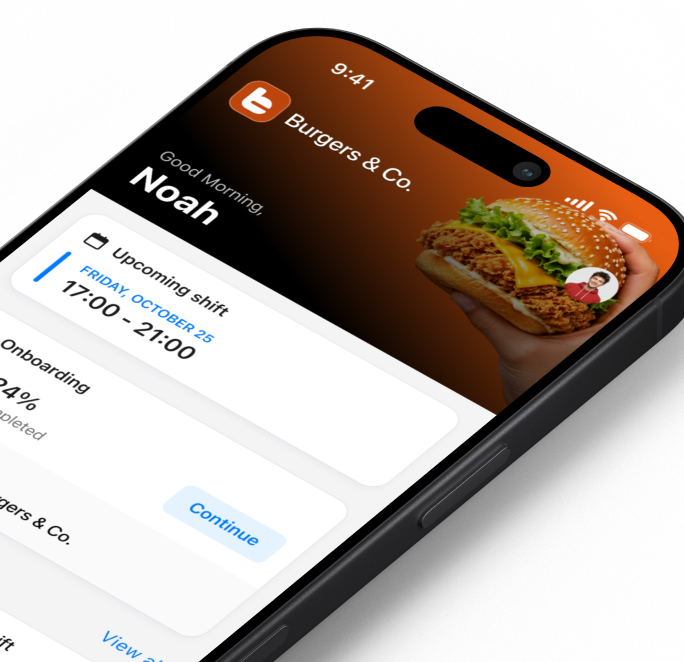
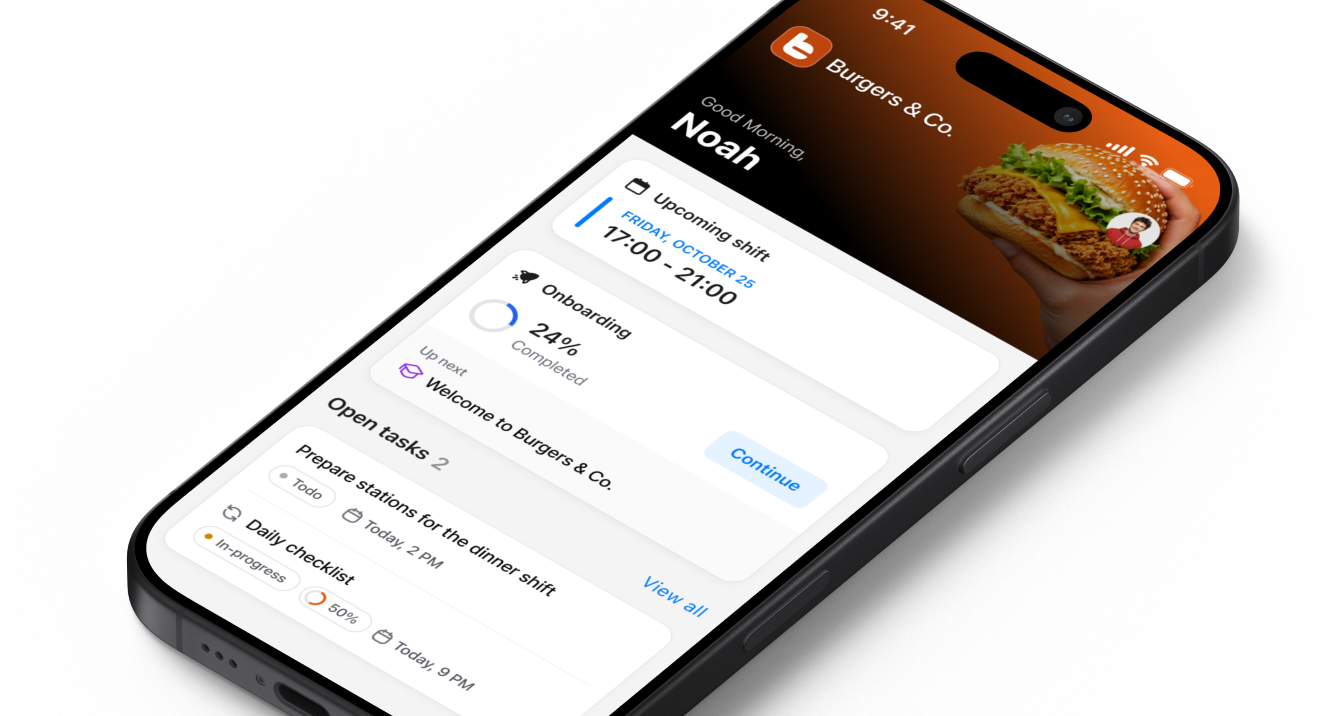
Faites de vos équipes terrain votre plus grand atout
L'application centralisée pour connecter, former et fidéliser celles et ceux qui représentent votre marque au quotidien.

Préparez-vous à être surpris
Your own branded app. Try it with no commitment.
Over 300 organisations in retail, hospitality, logistics and healthcare already use Oneteam



WestCord Hotels
1.500+
Employees
16
Locations
Grâce à Oneteam, nous pouvons atteindre tous nos collaborateurs en un seul geste. Nous avons considérablement renforcé l'implication de nos équipes en les maintenant informées et en leur donnant l'opportunité de partager leurs expériences.

Joan Hoekstra
Formatrice en Hôtellerie


Norah
850+
Employees
110
Locations
“Oneteam brings us closer together. It’s no longer head office versus branches; it really feels like one company.”

Esmay Schipanski
People & Culture Manager


Amrâth Hôtels
350+
Employees
11
Locations
Avant Oneteam, nous ne pouvions joindre que 20 % de nos collaborateurs, car les autres n'avaient pas d'adresse e-mail professionnelle. Aujourd'hui, nous atteignons plus de 90 % de nos effectifs, ce qui est vraiment remarquable.

Caroline Bosman
Responsable des opérations


Anne&Max
700
Employees
31
Locations
“Our communication has improved a lot. Our colleagues have a much better understanding of what's going on at Anne&Max as an organization, not just at their own location.”

Quincy Roos
HR Manager at Anne&Max


JVH gaming & entertainment
1.100
Employees
64
Locations
En deux semaines, 95 % de notre équipe était sur la plateforme. Avec Oneteam, nous pouvons désormais atteindre des collègues avec lesquels nous avions peu de contact auparavant. Il y a plus d'interactions, les gens se sentent mieux informés et plus motivés.

Lilian Leenheers-Lauwerijssen
Spécialiste Communication



Leussink Retail Group
1.250+
Employees
11
Locations
With Oneteam, we have a central information point via which we can easily communicate with the entire organization or different subgroups. Our communication has not only become more efficient and structured but also more advanced.

Thijs Meijnen
HR Advisor


Nabuurs
1.500
Employees
20
Locations
Avec vingt sites, chaque établissement fonctionnait comme sa propre petite famille. Depuis Oneteam, les succès et les moments forts sont partagés dans toute l'organisation. Cela renforce notre culture familiale.

Elise de Bruijne
Spécialiste Marketing et Communication


Stayokay
1.000+
Employees
22
Locations
Nous cherchons à transformer nos collaborateurs en ambassadeurs de la marque. La plateforme de formation et de communication digitale Oneteam nous y aide.

Liza de Vos
Responsable RH


Dudok Horeca Group
450
Employees
14
Locations
Where previously only 30 percent of employees read the newsletter, now more than 80 percent actively view updates in Oneteam. Employees are now always aware of what's going on, regardless of their role or location.
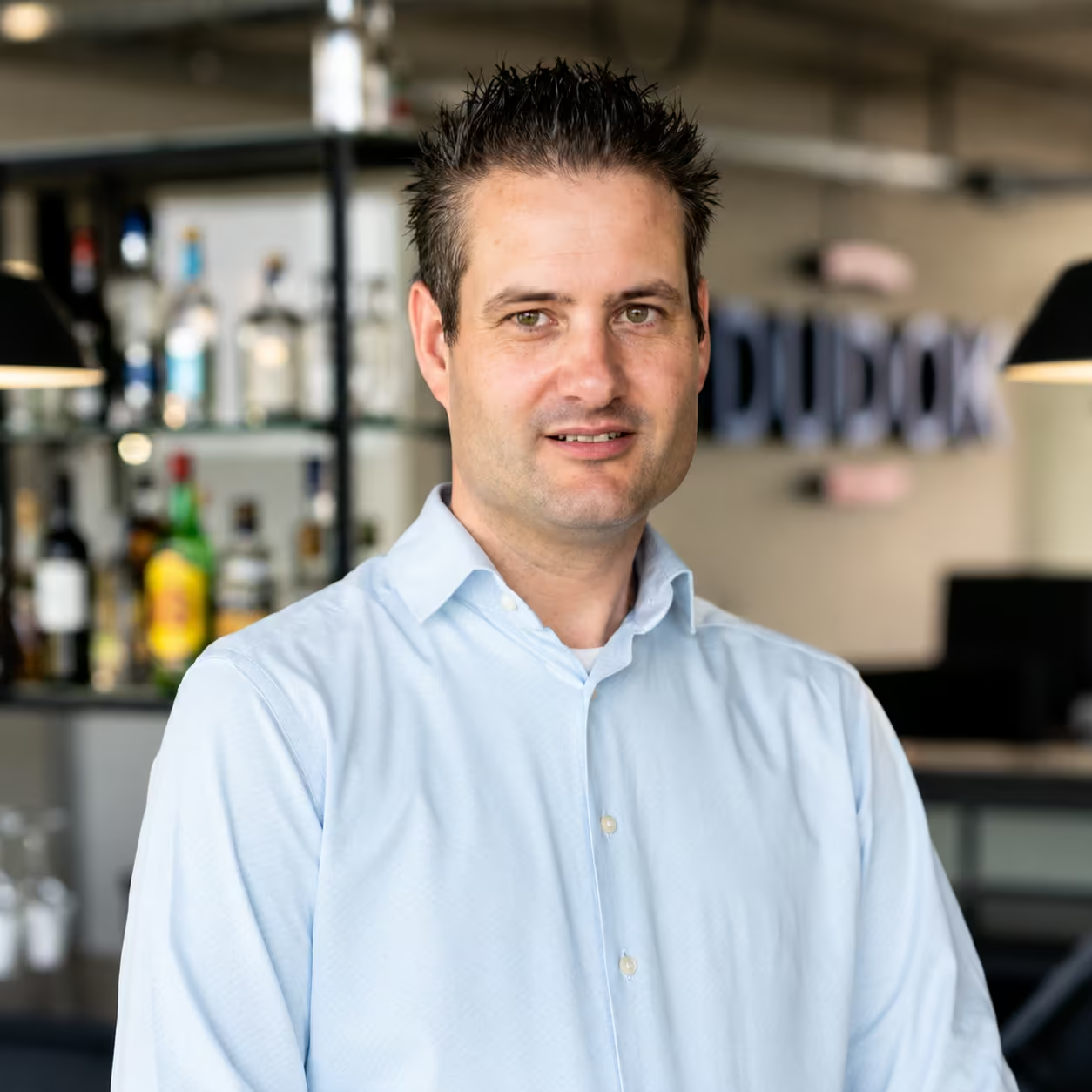
Erwin de Bruin
Finance & Operations Director


DPD
400+
Employees
12
Locations
Avant Oneteam, nous ne touchions que 5 % de nos équipes terrain. Aujourd'hui, plus de 80 % d'entre elles sont engagées et utilisent activement Oneteam.

Laura Pobusa
Spécialiste Communication Interne DPD


Smeding
380+
Employees
2
Locations
Avec Oneteam, nous disposons désormais d'un espace central pour notre communication interne. Les messages sont lus, les gens répondent et tout le monde sait où trouver les informations et les actualités.

Linda Visser-Stam
Responsable RH chez Smeding


Toolstation
800+
Employees
100+
Locations
Avant Oneteam, nous ne pouvions joindre que 20 % de nos collaborateurs, car les autres n'avaient pas d'adresse e-mail professionnelle. Aujourd'hui, nous atteignons plus de 90 % de nos effectifs, ce qui est vraiment remarquable.

Annabeth van den Berg
Communication Interne


Optisport
2.200+
Employees
400
Locations
Oneteam offers us an all-in-one solution for employee experience. Instead of four systems, we can now offer our employees one solution for internal communication, onboarding, microlearning, and integrated work schedules.

Brenda Kovac
HR Manager


Van Oys
160
Employees
1
Locations
With 94.5% of our team active on Oneteam, it's become the central place where all our communication comes together. Colleagues find their own answers now, without it always having to go through HR. That creates both clarity and connection.
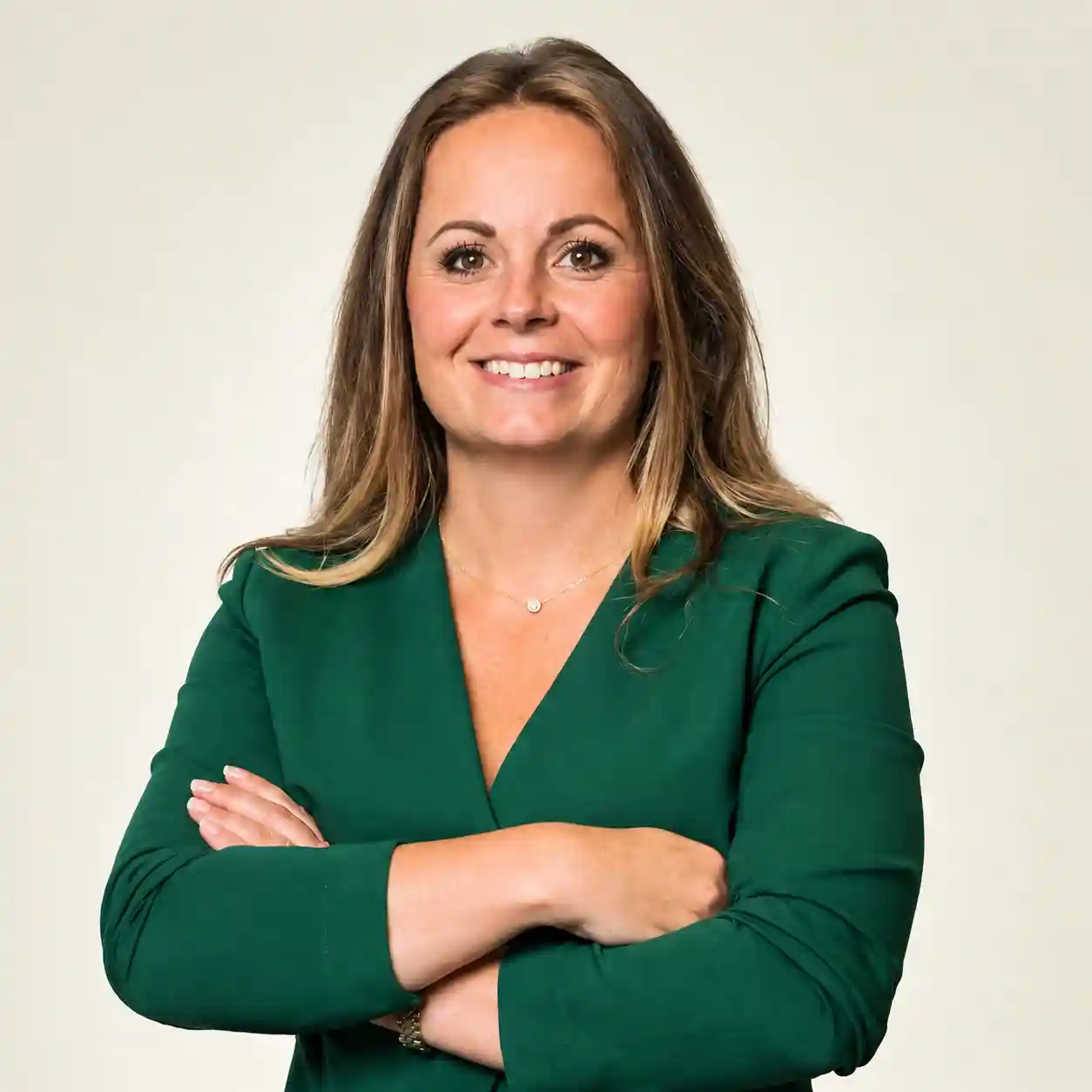
Simone Böhmer
HR & Culture Manager


FEBO
250
Employees
75
Locations
Grâce à Oneteam, la rapidité et l'efficacité de notre communication interne se sont considérablement améliorées, et nous économisons jusqu'à quatre fois plus en coûts grâce à cette solution tout-en-un.

Dorian Jiawan
Responsable RH
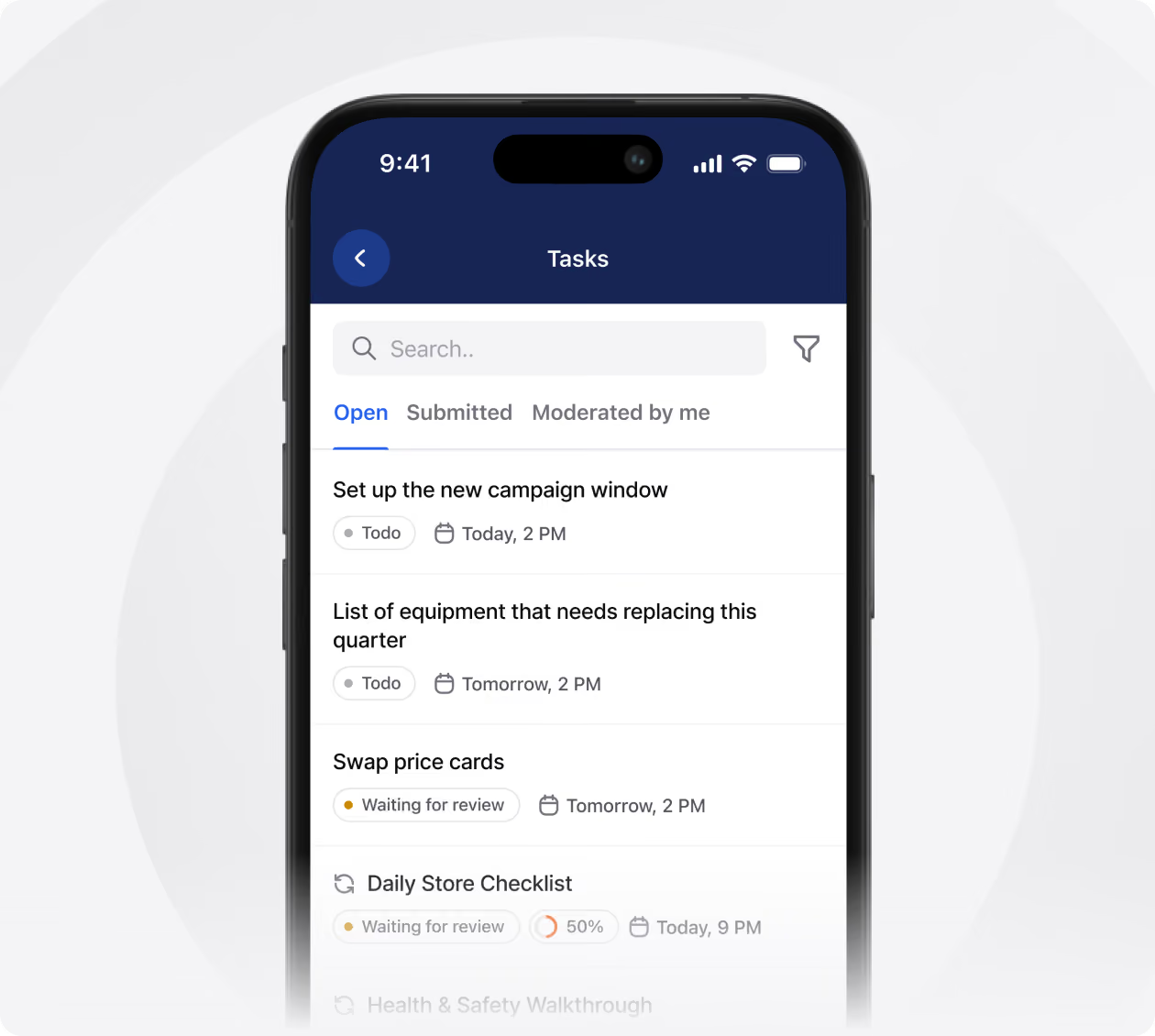
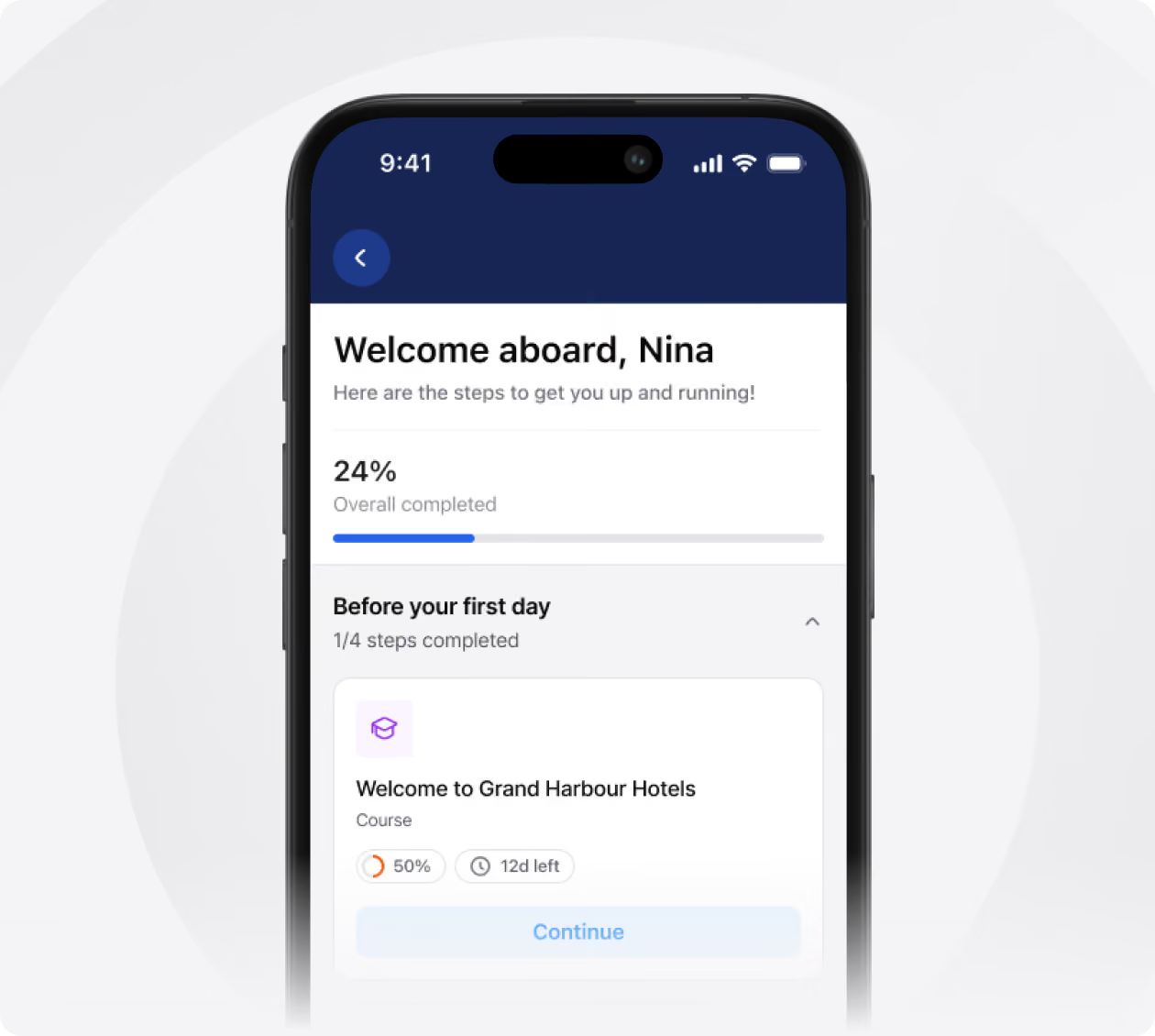
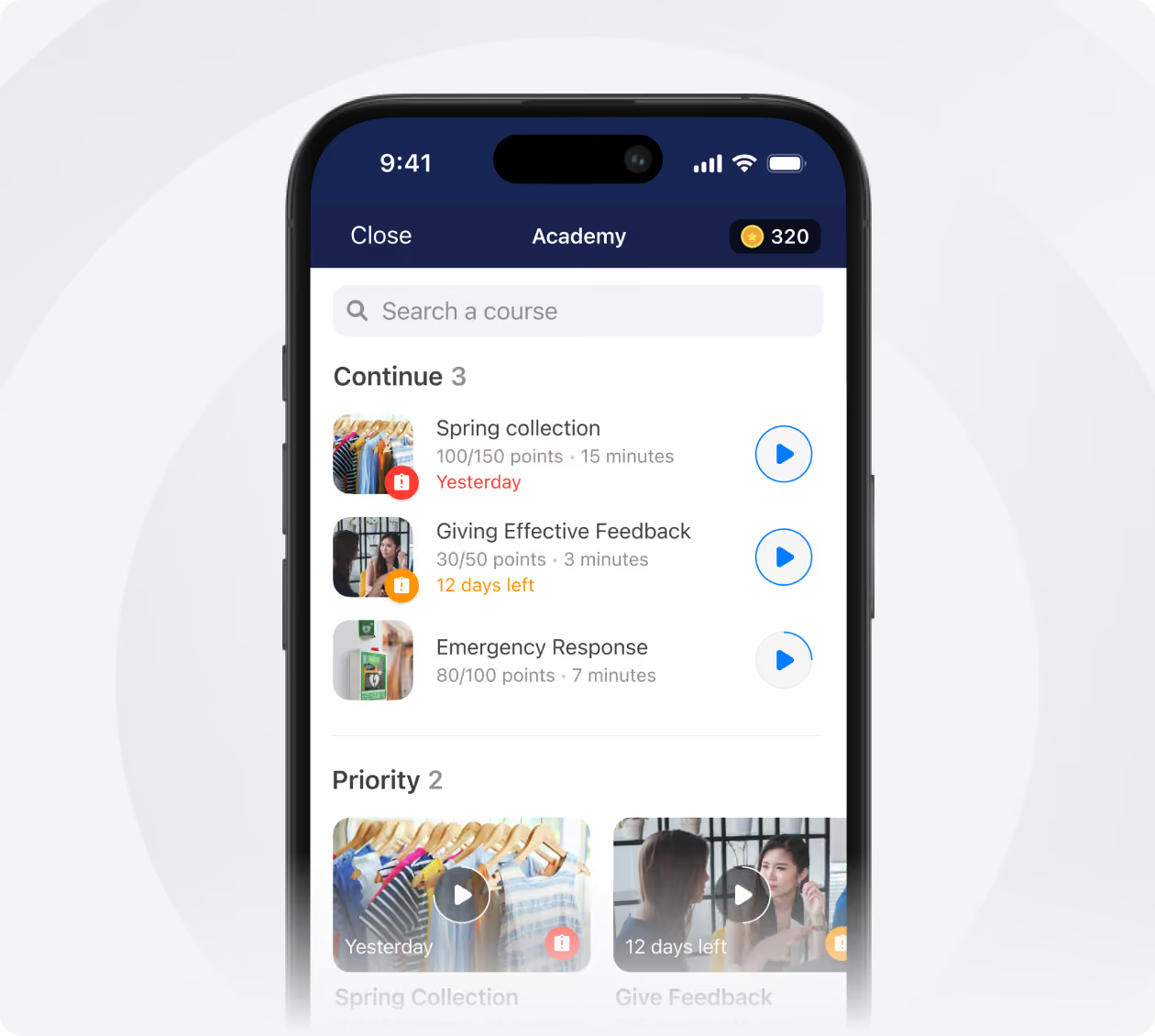
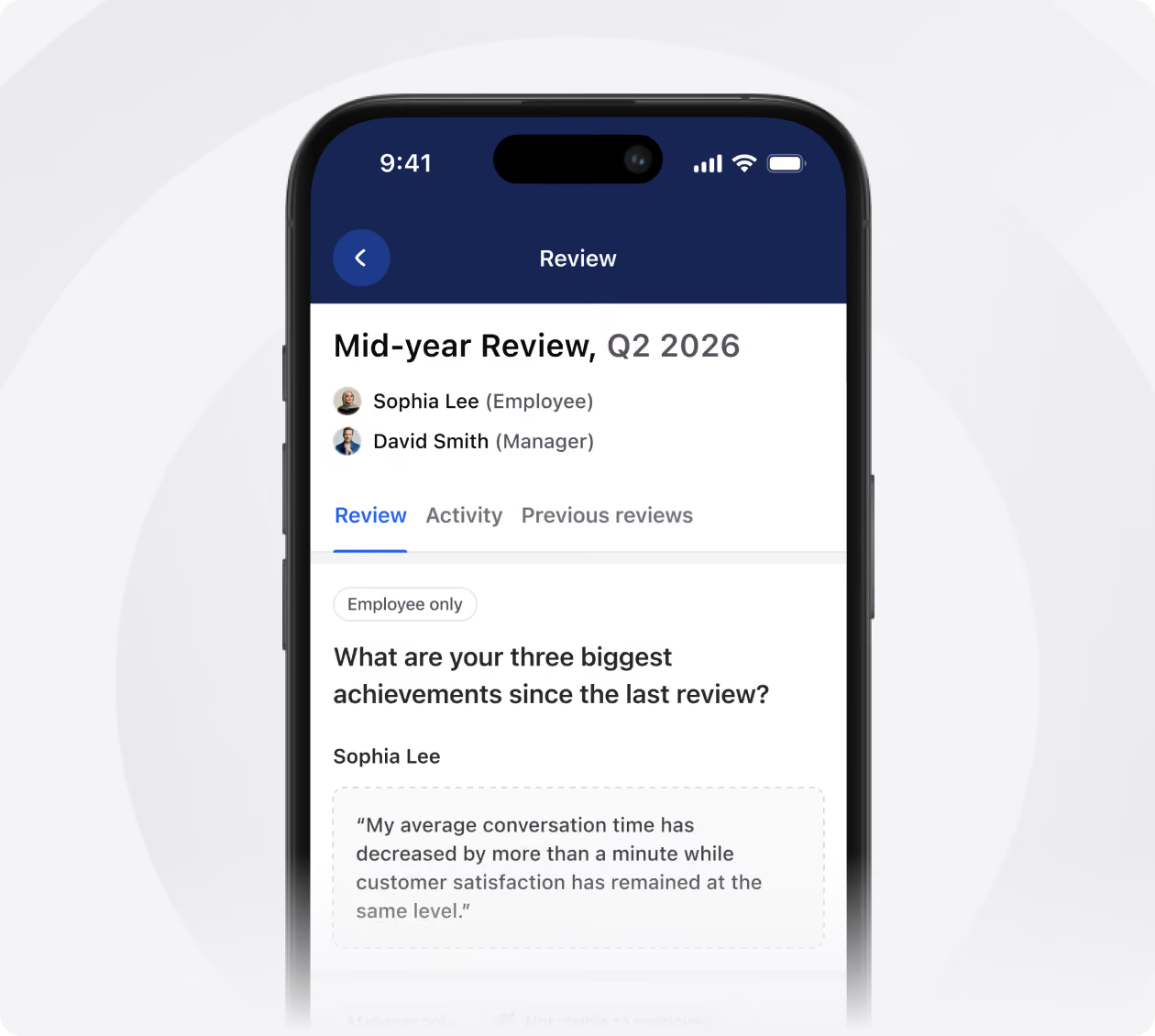
Everything your need to scale your company


AI powered
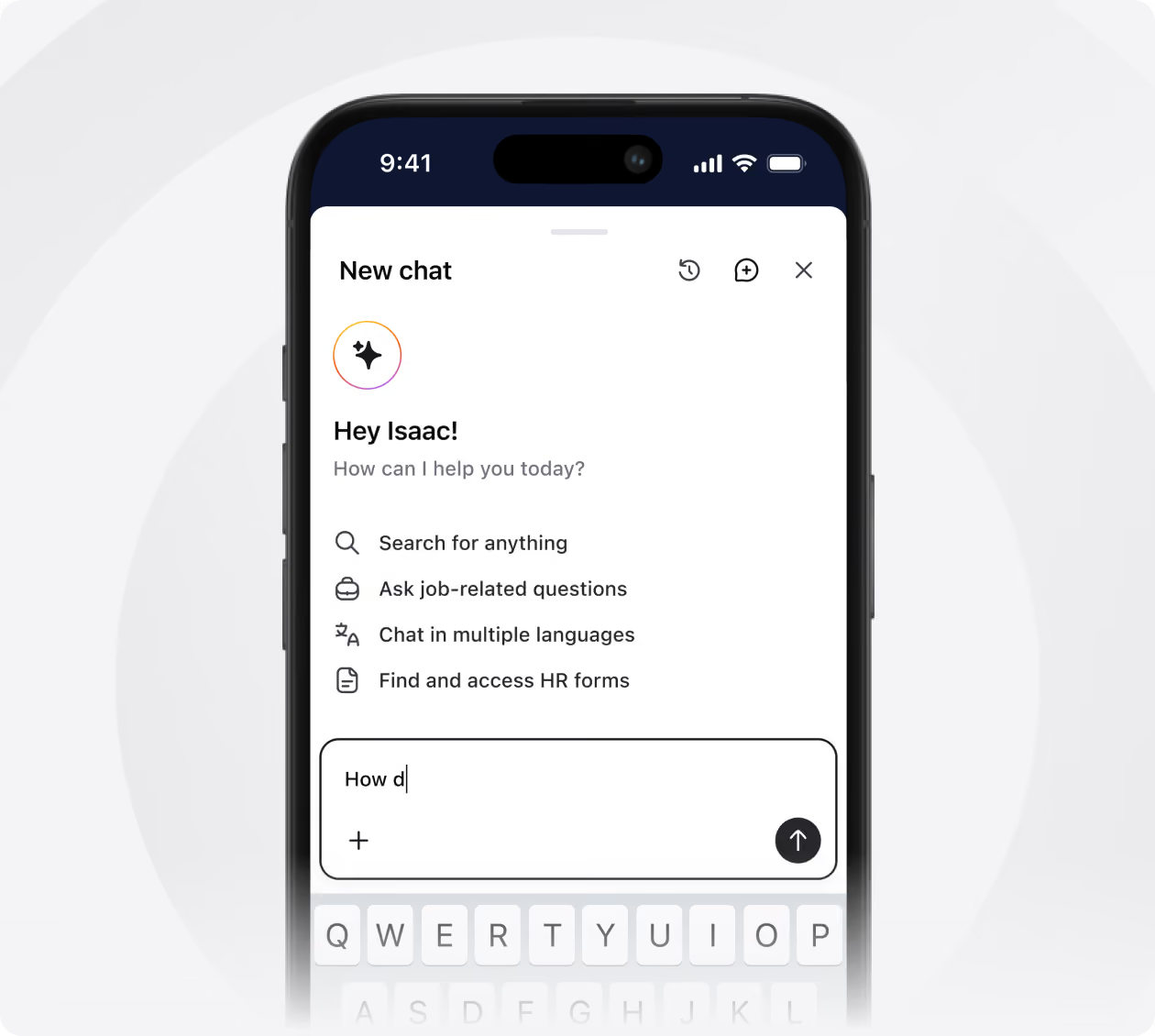
Your team asks. Buddy answers.
Your AI Buddy answers employee questions 24/7, in any language. Trained on your company content, it gives instant answers whenever they need them.
Learn more

Reduces repetitive HR and manager questions by 60%+

Available 24/7 in all languages, including nights and weekends

Detects its own knowledge gaps and gets smarter over time
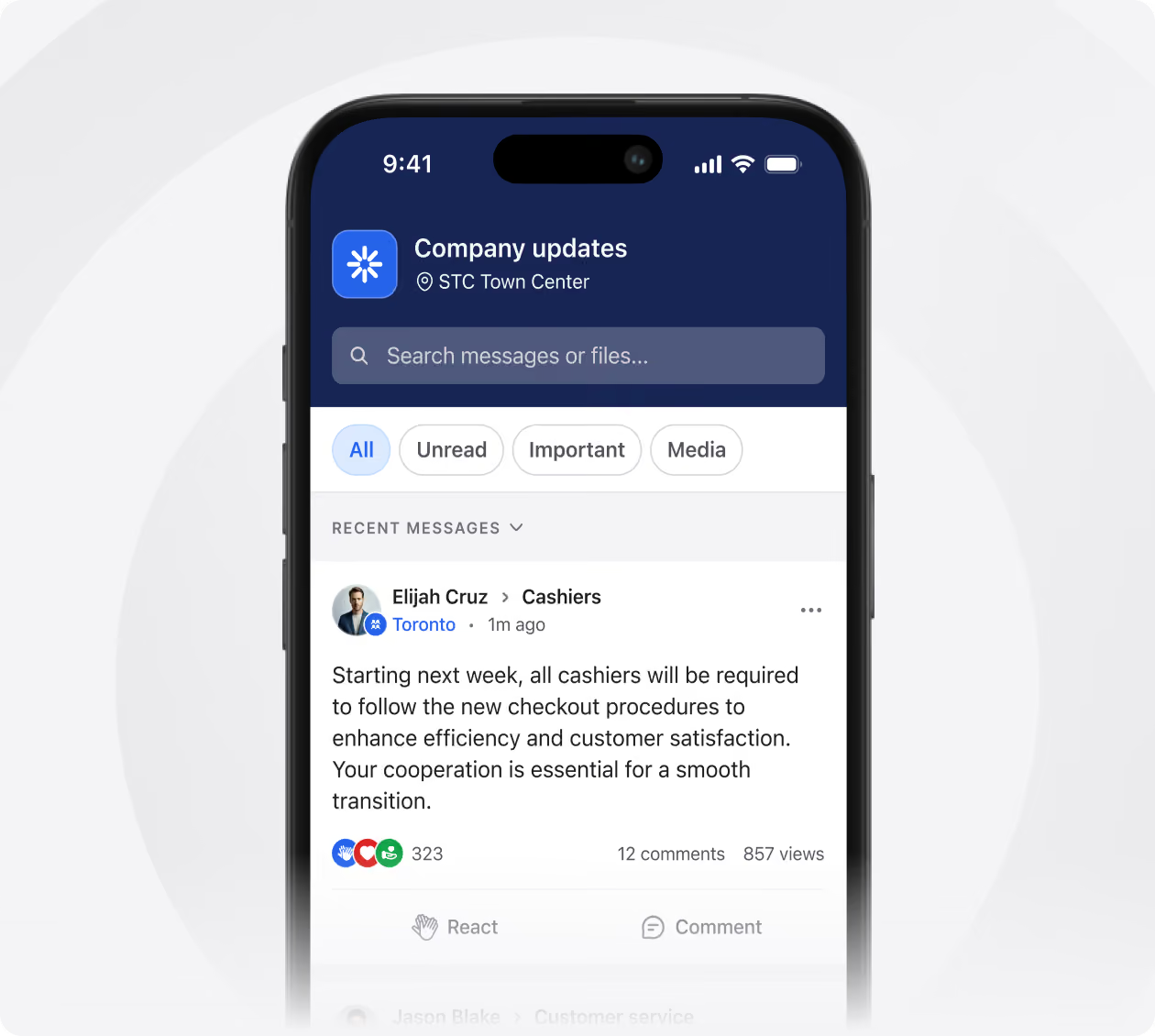
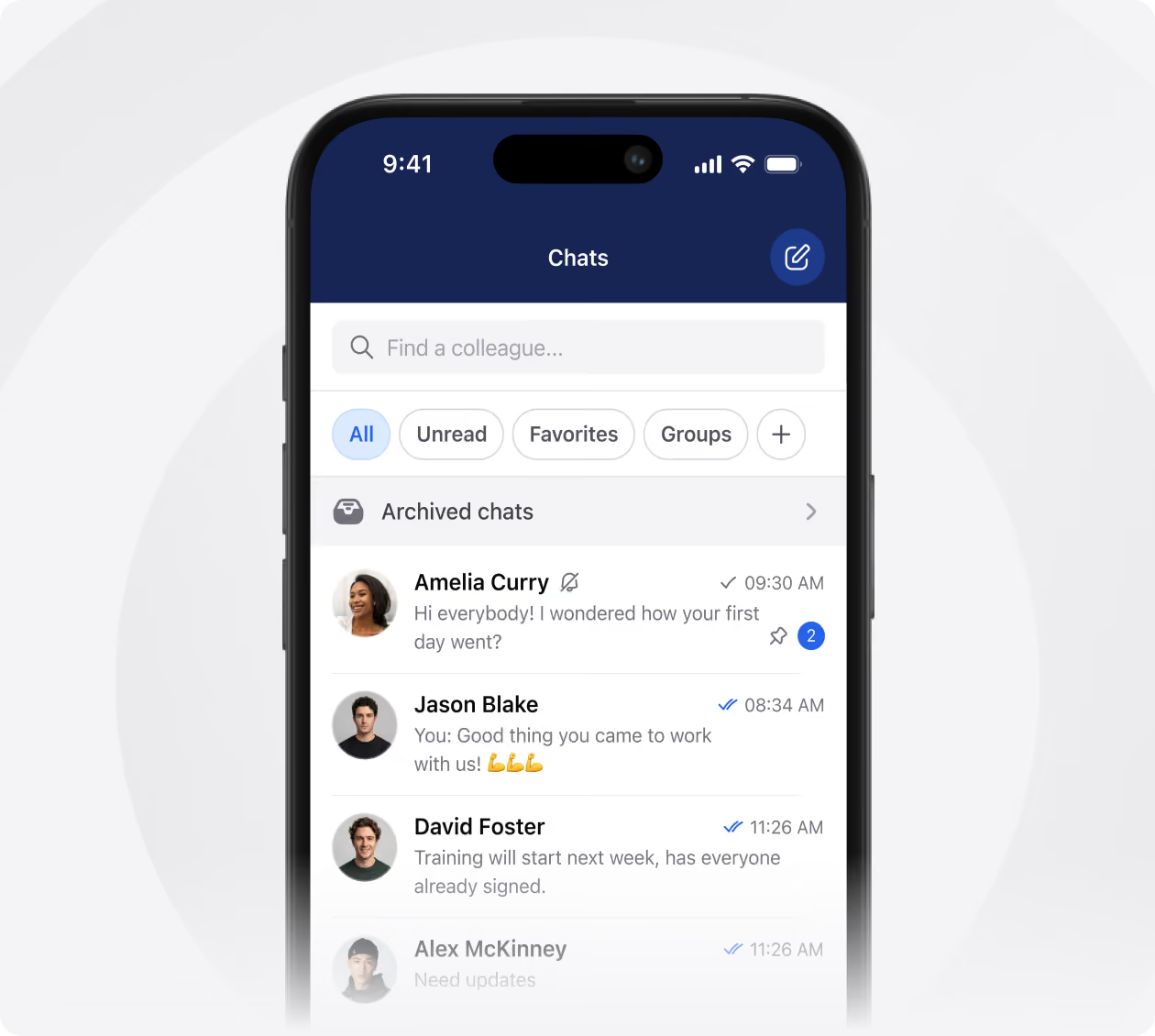
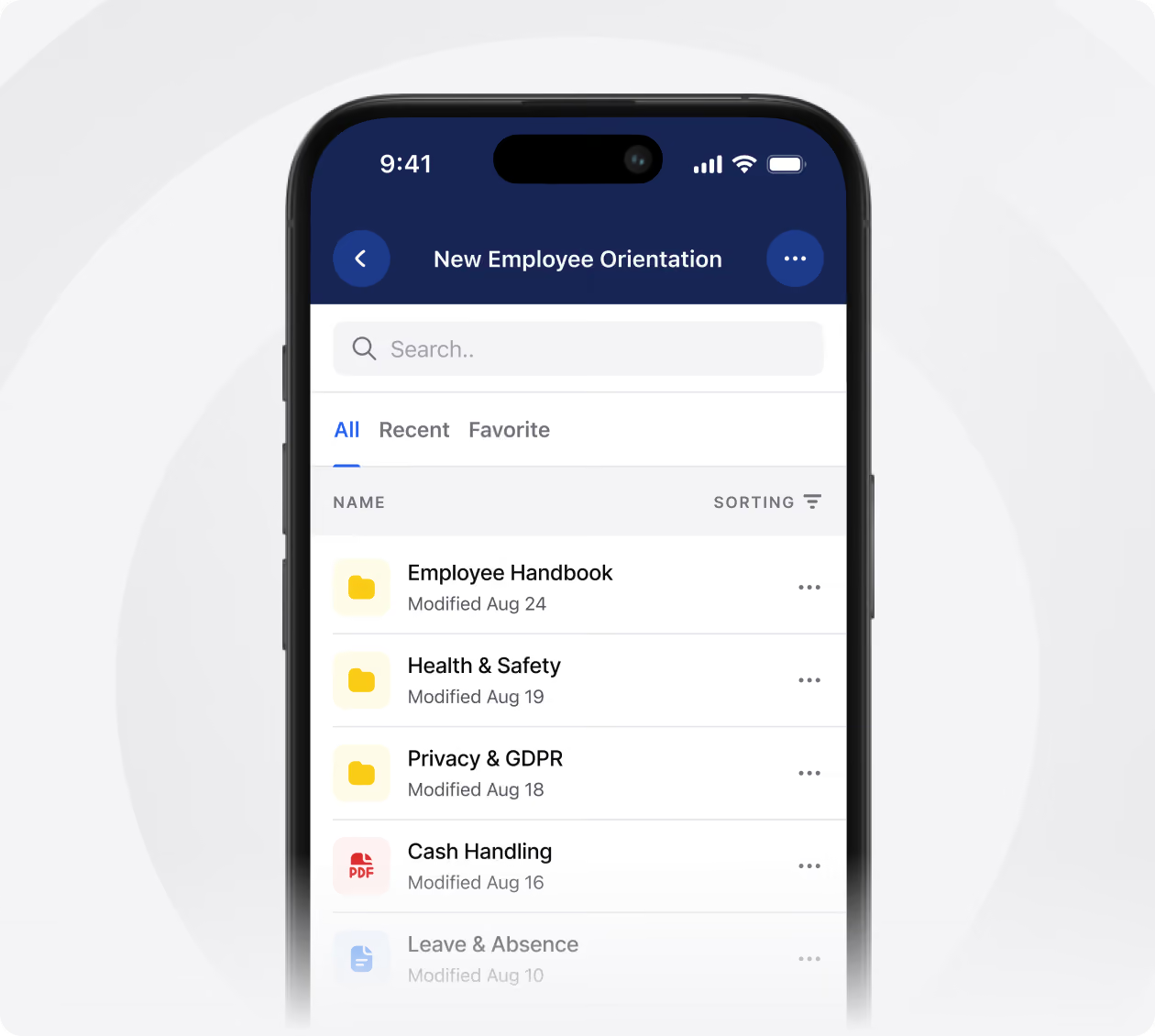
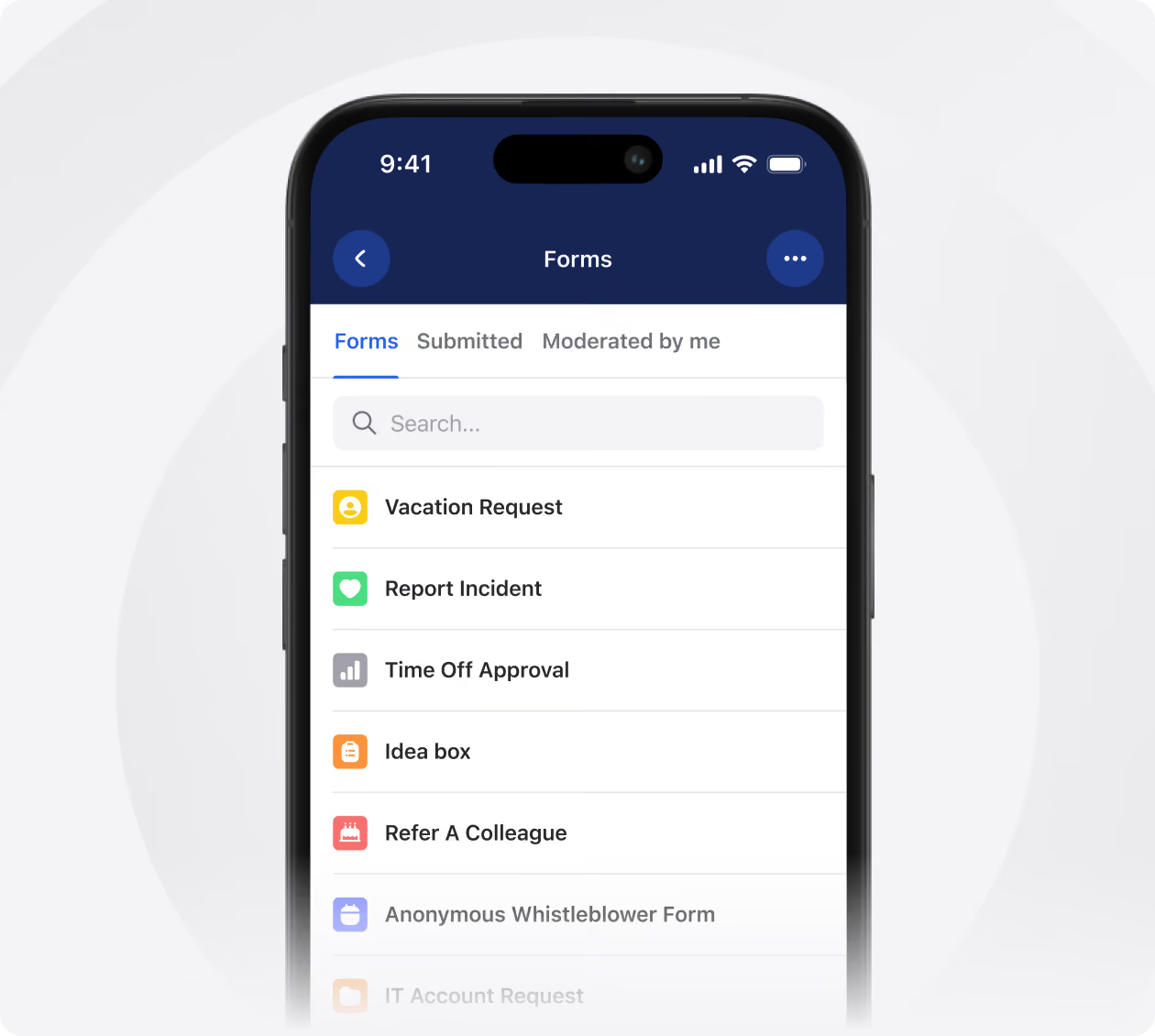
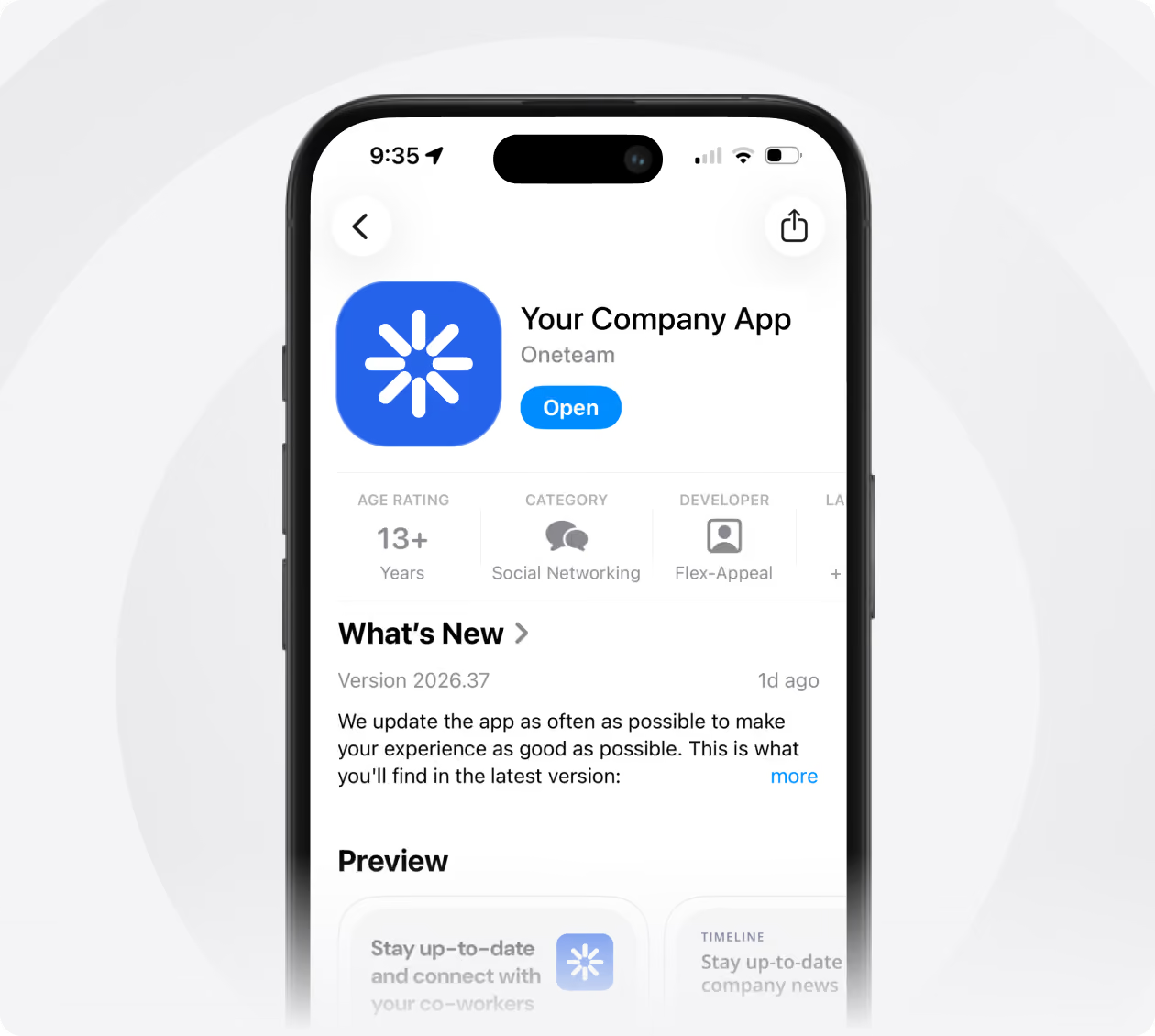
Build a personalized employee app that brings your team, tools, and workflows together in one place.
Branded app. No risk.
Your own branded app. Zero risk, zero commitment.