How internal buy-in turns an employee platform into a retention driver

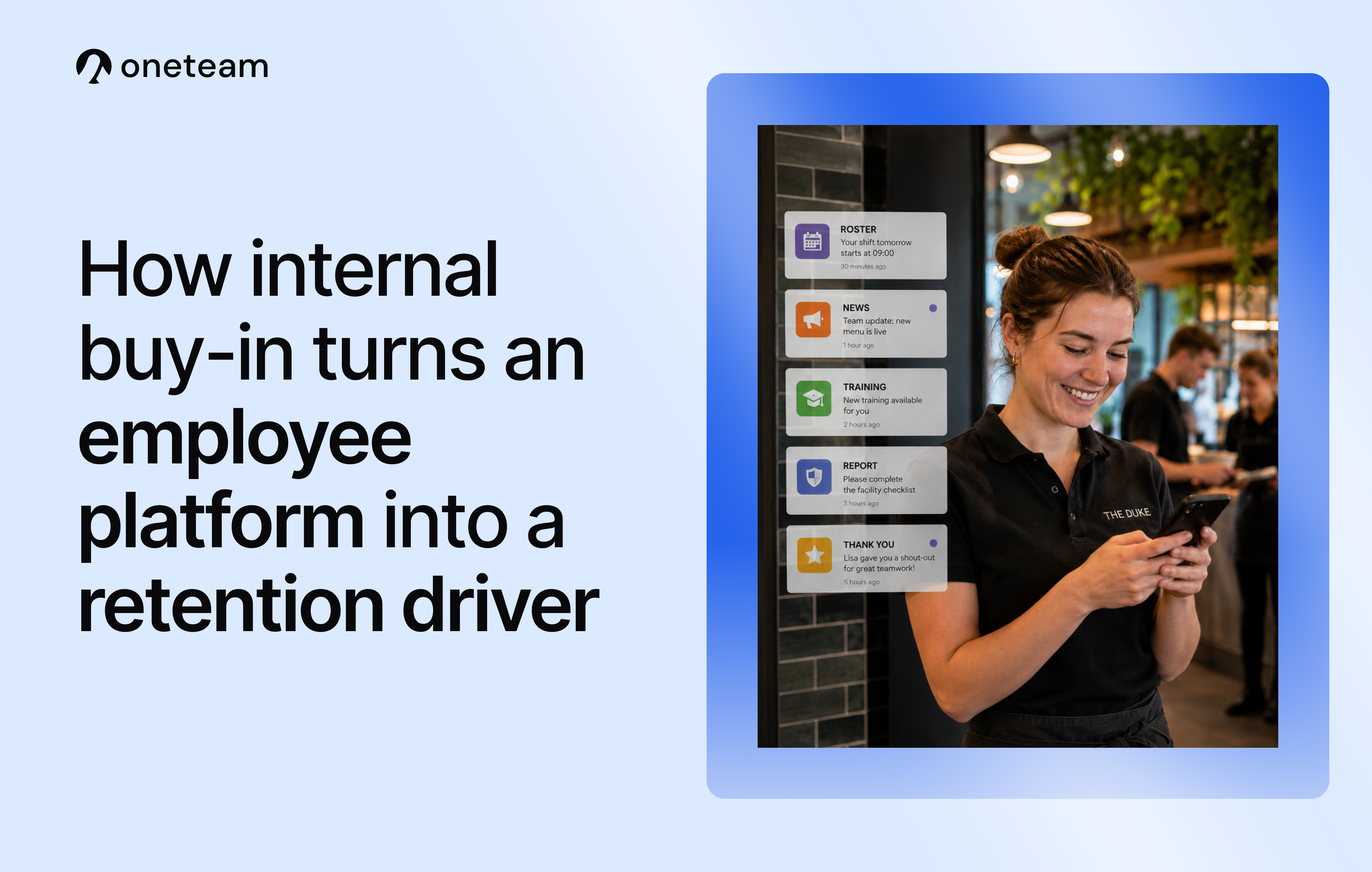
Many organizations in hospitality, healthcare, logistics, and retail invest in a platform to reach, onboard, or develop their employees.
Picking the right tool feels like the hard part, but that's actually the easy part.
Most platforms end up parked with one department: HR uses it for onboarding and internal communication, and that's as far as it goes. A perfectly reasonable place to start.
It's also exactly where most of the potential is still untapped.
An employee platform doesn't create engaged employees on its own. Internal buy-in does.
The good news is that building buy-in isn't about getting everything perfect at once. As each department comes on board, from operations to marketing, the platform increasingly becomes the place where the workday naturally starts. Every step brings you closer to employees who feel genuinely connected, stay longer, and speak well of their work.
Employees experience an employer, not a department
For an employee on the floor, it doesn't matter which department something comes from. What they experience is the employer, and the way that employer shows up every day.
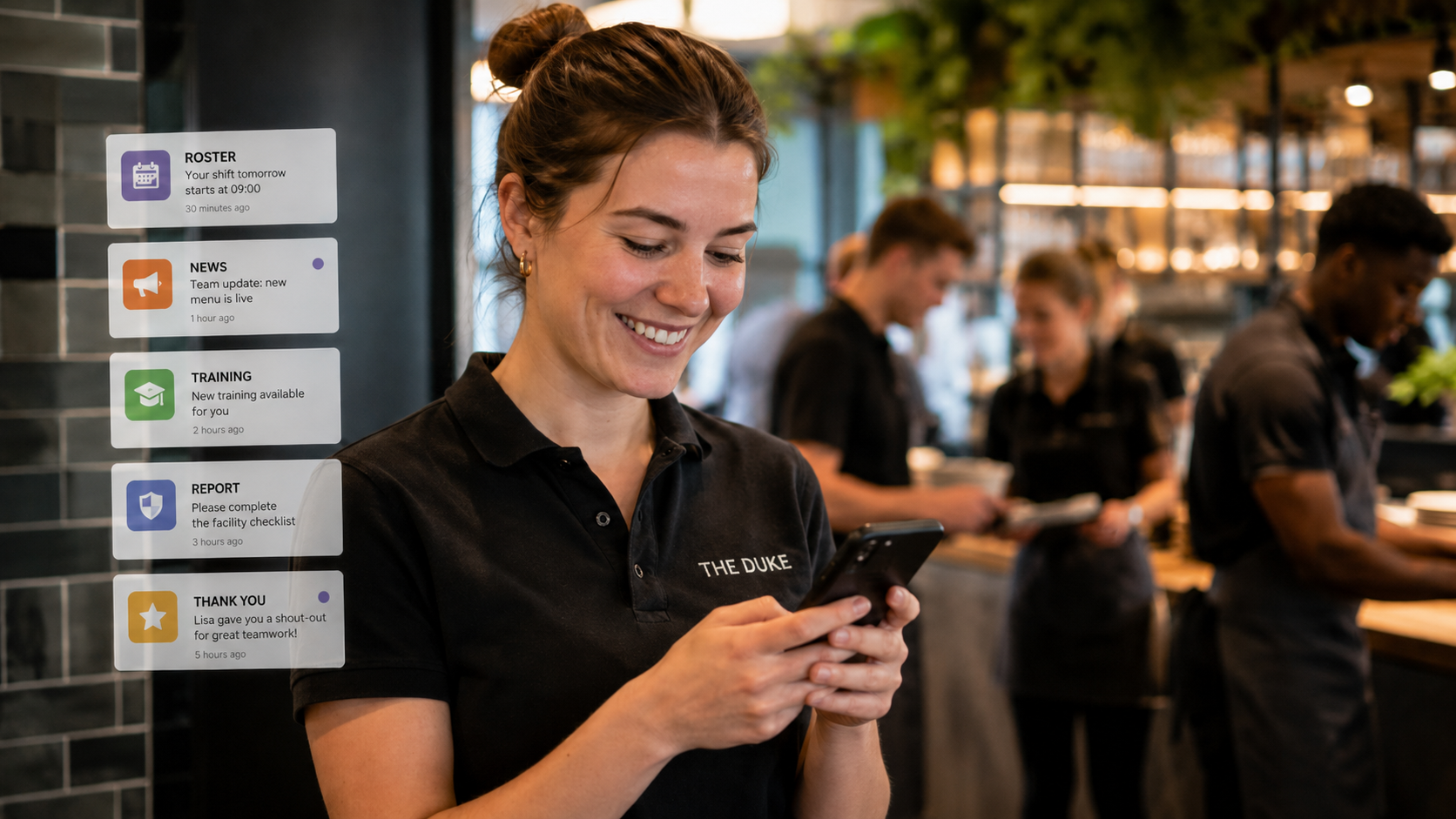
That shows up in small things:
- A schedule that's accurate and easy to find
- A report or incident that gets picked up
- Training that actually pays off
- Timely recognition for the work someone did
When those moments run through separate systems, WhatsApp groups, and scattered emails, an organization feels fragmented, even if every department is doing fine on its own.
When they run through one place instead, employees feel well supported and their workday runs more smoothly. That feeling is what keeps people around, and it's often what turns them into people who speak well of their employer outside of work too.
Internal buy-in decides the results
The software itself doesn't build that connection. The processes running through it do, and how consistently people across the organization use them.
A platform used only for onboarding tends to fade into an app people barely open after their first few weeks. The same platform, used for the weekly schedule, a daily checklist, a shout-out to a colleague, or training that arrives right on time, becomes somewhere people return to on their own.
Getting there takes more than one department. HR, operations, marketing, and often a few more all need to bring their own piece of the puzzle into it.
The business case: from engagement to results
Employee engagement can sound like an HR topic, but it has a direct line to results a leadership team cares about:
- Lower turnover, and with it, lower recruitment and onboarding costs
- Higher productivity, because employees know what's expected of them and get quick answers to their questions
- A better guest experience, since an employee who feels confident on the floor shows that too
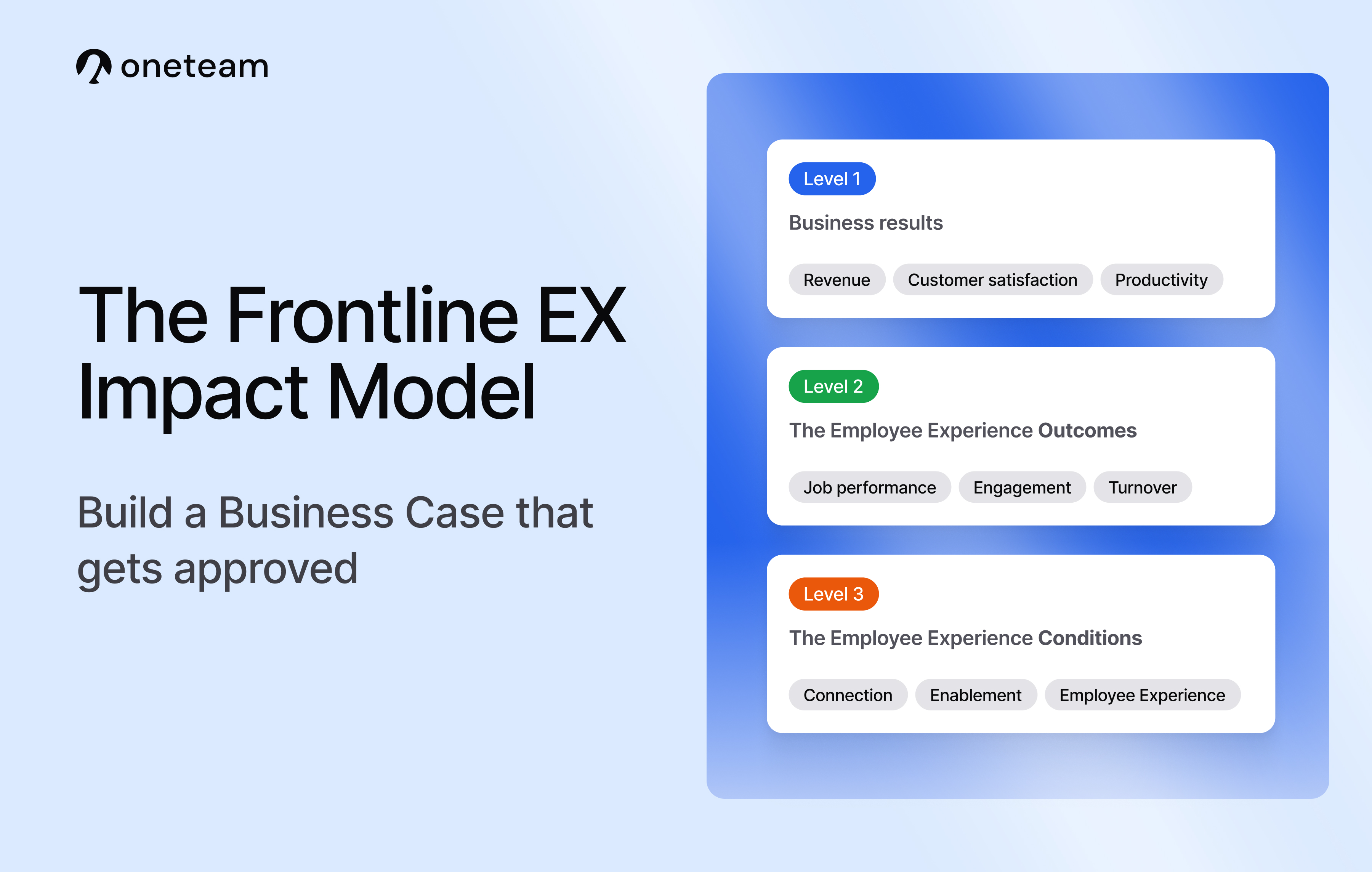
These are the exact connections behind the Frontline EX Impact Model, a framework that links investment in employee experience to measurable business outcomes.
If you're the one who needs to make that case to leadership, this guide on building a business case that gets approved is a good place to start.

What company-wide buy-in looks like
Buy-in becomes easier once other departments can picture exactly what they'd use it for, and what it delivers compared to how things work now. A few examples.
HR
- Onboarding lets new employees follow content from their phone, personalized by phase, job group, and location, so everyone starts with the same baseline knowledge instead of an ad-hoc introduction on day one.
- Forms replace scattered emails and messages for leave requests, HR questions, or expense claims with a single request that has a clear status, both for the employee and for HR.
- Performance management ties review cycles to job groups and reminds managers on time, so conversations don't get forgotten.
- Documents give contracts and benefits information a permanent, easy-to-find home, instead of a folder on a drive nobody can locate anymore.
- Surveys let you regularly check in on how employees are doing, with for instance short pulse surveys instead of one big annual employee satisfaction survey.
- Buddy, Oneteam's AI chat, answers questions directly from your own knowledge base, so employees don't have to wait long for an answer, and HR and managers spend less time on repetitive questions.
- High Fives give colleagues a way to publicly compliment and recognize work that would otherwise go unnoticed.
- Events give you a dedicated place to announce and follow up on a team outing, work anniversary, or staff party, instead of an announcement that gets lost among everything else.
L&D and training
- E-learning turns compliance training and role-specific modules into something employees actually finish, built from existing documents with AI or a ready-made template. In sectors with mandatory certification, such as healthcare or logistics, you always know who's completed what and when a refresher is due, without manually tracking and chasing it in a spreadsheet.
Operations and team leads
- Checklists keep every location following the same steps when opening or closing, so quality doesn't depend on who happens to be working that day.
- Chat keeps employees in touch with each other and with team leads for quick questions, without it disappearing into a WhatsApp group with dozens of unread messages.
- Timeline updates go only to the locations they're relevant to, instead of the whole organization.
- Documents hold SOPs and work instructions, so the current version is always easy to find.
Facilities and maintenance
- Through a form, employees easily report an incident or breakdown with a picture attached. Status updates automatically keep the reporter and the maintenance team in the loop until it's resolved.
IT
- Integrations with HR or scheduling systems keep data flowing automatically, so a name, role, or contract change is never forgotten or entered twice.
- New technical integrations, such as the connection with ChatGPT or Claude, are set up and managed by IT, so other departments can start using them on their own.
Marketing and communications
- Documents give an easy-to-find home for marketing material relevant to your frontline employees, such as product information or instructions for a campaign.
- Timeline updates keep frontline employees informed about ongoing campaigns and temporary promotions, and what's expected of them once one goes live.
Other departments, such as finance, sales, and recruitment, often find their own use too, from sharing results to speeding up how new colleagues get up to speed.
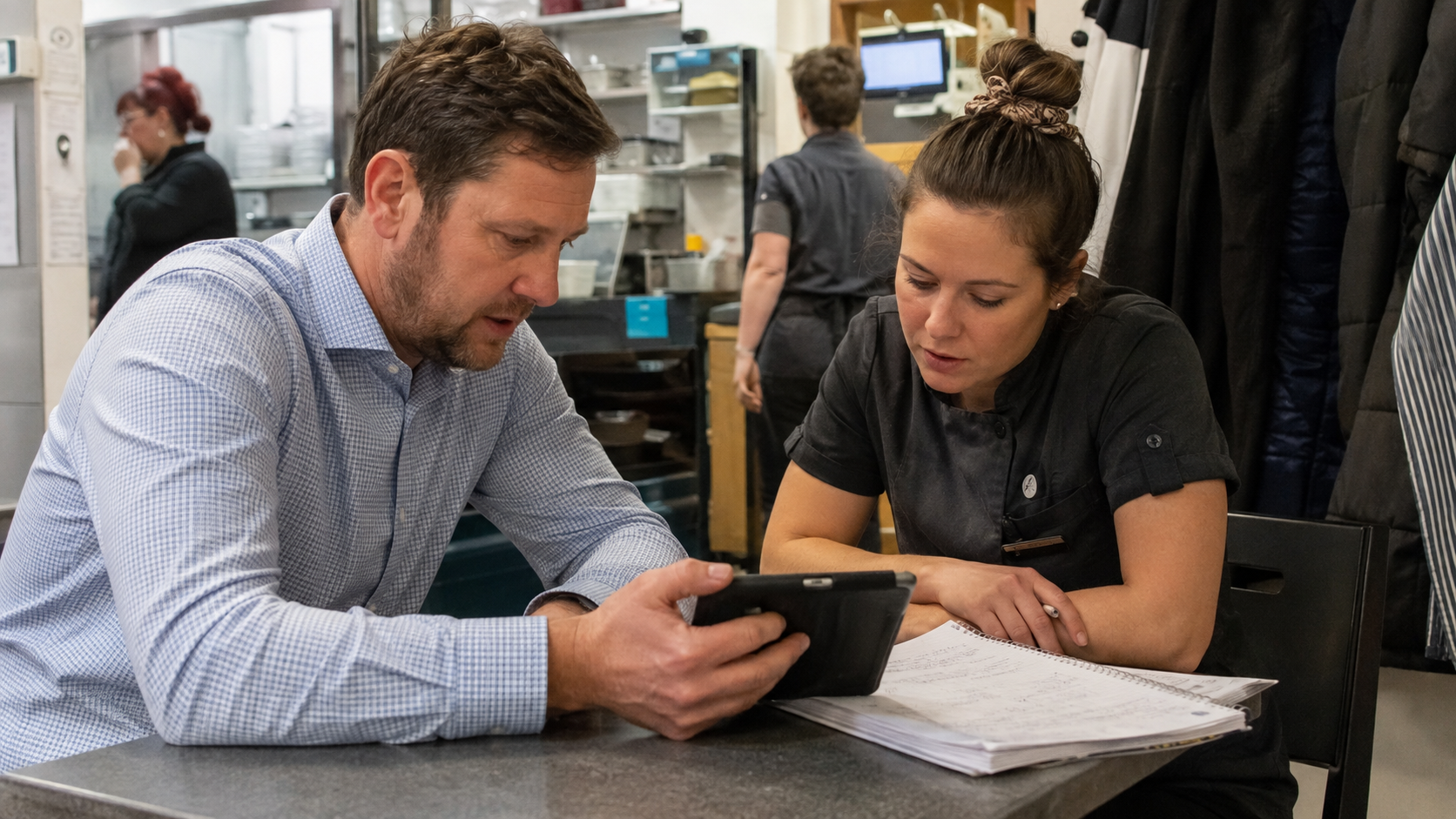
How to build company-wide buy-in
If you're currently the only one internally responsible for your employee platform, a few things tend to work well to build more buy-in across your organization.
Start with one department and one problem
Skip the feature list, and focus on a problem or a clunky manual process instead. If you're not sure where the pain is, ask a department lead one question: "What's costing you the most time or causing the most confusion right now?" Their answer is your opening.
If it's easier to raise over Slack, Teams, or email, something like this works well:
"Hi [name], I've been looking at which processes we could run more smoothly through [the platform]. I heard [process] still goes through [WhatsApp/email/paper]. Could we spend 20 minutes on it together? I can show you how another team already solved this, and we can see if it fits yours too."
Bring a real example
Find an organization in your sector already doing this, whether that's a published case study or a peer in your network. A concrete example convinces faster than a list of features, and it takes the pressure off being the first to try something.
Aim for a small, visible win first
Pick one form, one checklist, or one template, and get it live within a week. A department with a working incident form after two weeks is easier to convince than one waiting three months for the perfect version.
Let the department tell the story
Ask the department lead to share the result themselves, in a team meeting or a short post, instead of announcing it yourself. It lands better when it comes from more than one colleague.
Share what you learned
Write down what worked and what didn't, and share it internally or with other people running similar rollouts. It usually brings back feedback you can use for the next department.
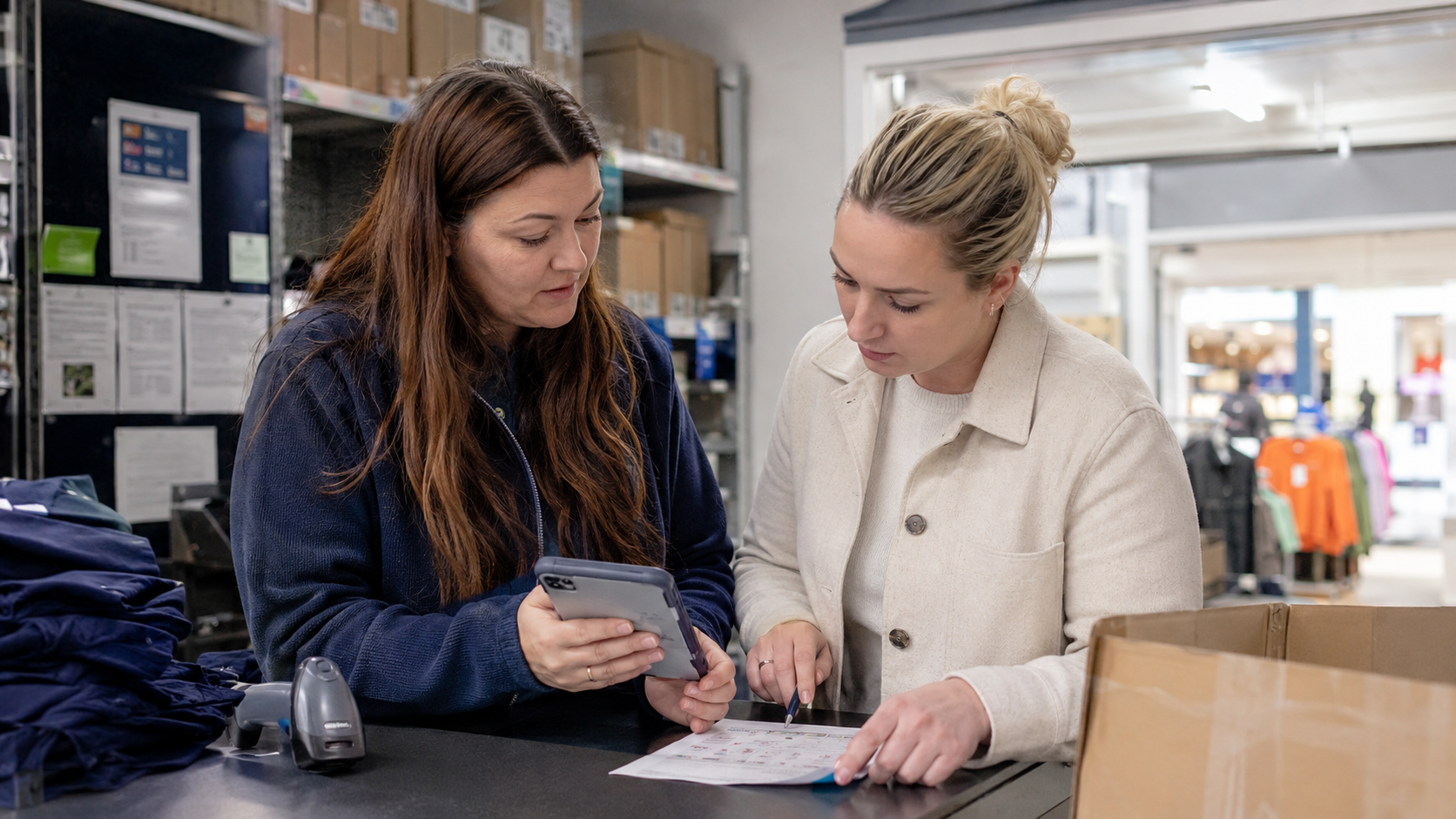
One platform, carried by everyone
An employee platform is a means, not the goal.
What it's building toward is something far more valuable: employees who feel at home with their employer, stay longer, and speak well of it outside the building too.
That only happens when the whole organization takes part, not just the department that brought the platform in.
Curious how organizations in hospitality, healthcare, logistics, and retail put this into practice?
Take a look at our case studies or book a demo.


In this article